You have three readings to finish before class, a page of notes that keeps growing, and an essay paragraph that's too long. Each task needs shorter text, but not the same kind of result. A reading summary should capture important ideas, while a shortened paragraph still needs its evidence and connection to your argument. A good text compactor helps reduce unnecessary content without losing what matters.
This guide compares five text compactor tools for students, including the original Text Compactor website and alternatives for summarizing documents, creating study notes, and revising paragraphs. We'll compare their features, free limits, and pricing so you can choose the right tool for your task.
Text Compactor Tools Compared
Tool | Best For | Main Features | Starting Price |
Verla | Shortening and refining academic paragraphs | Paragraph Rewriter + AI Humanizer | $2.99/7-day Pro trial |
Text Compactor | Extracting important sentences from readings | Percentage-based sentence selection | Free |
Linnk AI | Summarizing PDFs and academic documents | File uploads, summary formats, focus settings | Essential $8.20/month, billed annually |
Summarizer.org | Creating summaries and revision notes | Length controls, paragraph and bullet formats | Free; Go from $7/month |
WordCount | Generating focused summaries from short texts | Focus instructions, three length settings | Free |
These tools serve different purposes. Text Compactor focuses on sentence extraction, Linnk AI handles document-based summaries, and Summarizer.org and WordCount provide additional output controls. Verla is better suited to revising your own academic writing rather than summarizing an entire reading.
For students handling research papers and other coursework, broader AI research tools may also help organize sources, review findings, and prepare material for writing.
Choose the Kind of Shorter Text You Need
Before using a text compactor, decide whether you need to summarize information or revise your own writing. These tasks may look similar, but they require different approaches.
Extractive summarization: Selects important sentences directly from the original text. Useful for identifying key passages, but missing context can change their meaning.
Abstractive summarization: Generates a shorter explanation using new wording. Useful for study notes, but claims and details need to be verified.
Concise rewriting: Removes unnecessary wording while preserving the purpose of a paragraph. Better suited to reducing word count in an essay or report.
For academic assignments, understanding the difference between a thesis statement and a topic sentence can help you decide what each paragraph must retain. If you're cutting down an existing essay, a dedicated AI essay shortener may be more appropriate than a general summarizer.
5 Text Compactor Options for Different Tasks
1. Verla: Best for Shortening Your Own Paragraphs
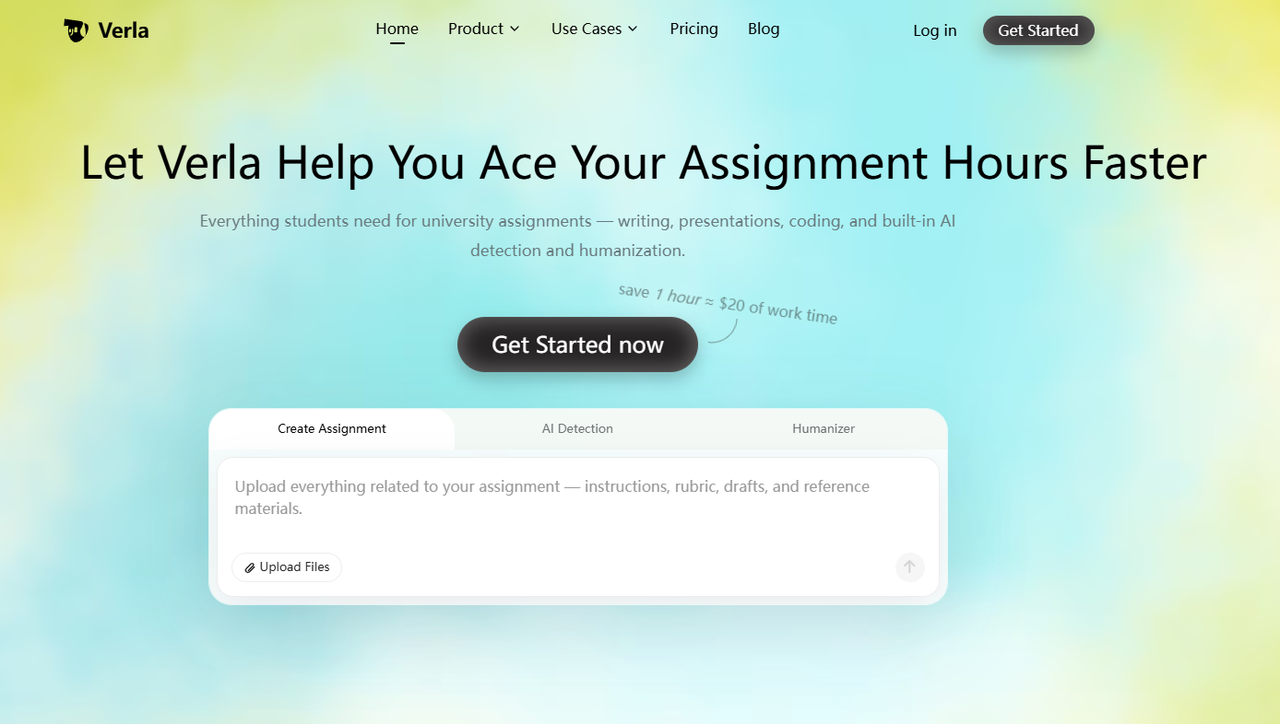
Verla's Paragraph Rewriter helps students revise existing academic paragraphs. You can enter your text, specify a goal such as making it shorter or clearer, and continue into Verla's AI Humanizer workspace to refine wording and flow.
Unlike a traditional text compactor that extracts sentences, Verla focuses on improving how your ideas are expressed. This is useful when your essay already has a clear argument but includes repetitive explanations, unnecessary transitions, or overly complicated sentences. When writing an argumentative essay, for example, shortening a paragraph should not remove evidence or weaken the reasoning behind a claim.
Verla also offers academic writing, AI Detection, and Humanizer features in one workspace. Students can review rewritten passages for clarity and consistency, although they should still confirm that the meaning, supporting evidence, and citations remain accurate.
Pros:
Starts with existing paragraphs and academic drafts.
Supports shorter, clearer, and more natural writing goals.
Combines paragraph rewriting with AI Humanizer.
Fits broader academic writing and revision workflows.
Cons:
Requires login to continue into the full workspace.
Does not offer a verified percentage-based summarization control.
Paid trial rather than permanently free access.
Price:
Pro Trial: $2.99 for 7 days, then renews at $79.99/month unless canceled.
Basic: $19.99/month.
Plus: $39.99/month.
Pro: $79.99/month.
Annual plans start at $7.99/month equivalent, billed yearly.
2. Text Compactor: Best for Extracting Sentences from Readings
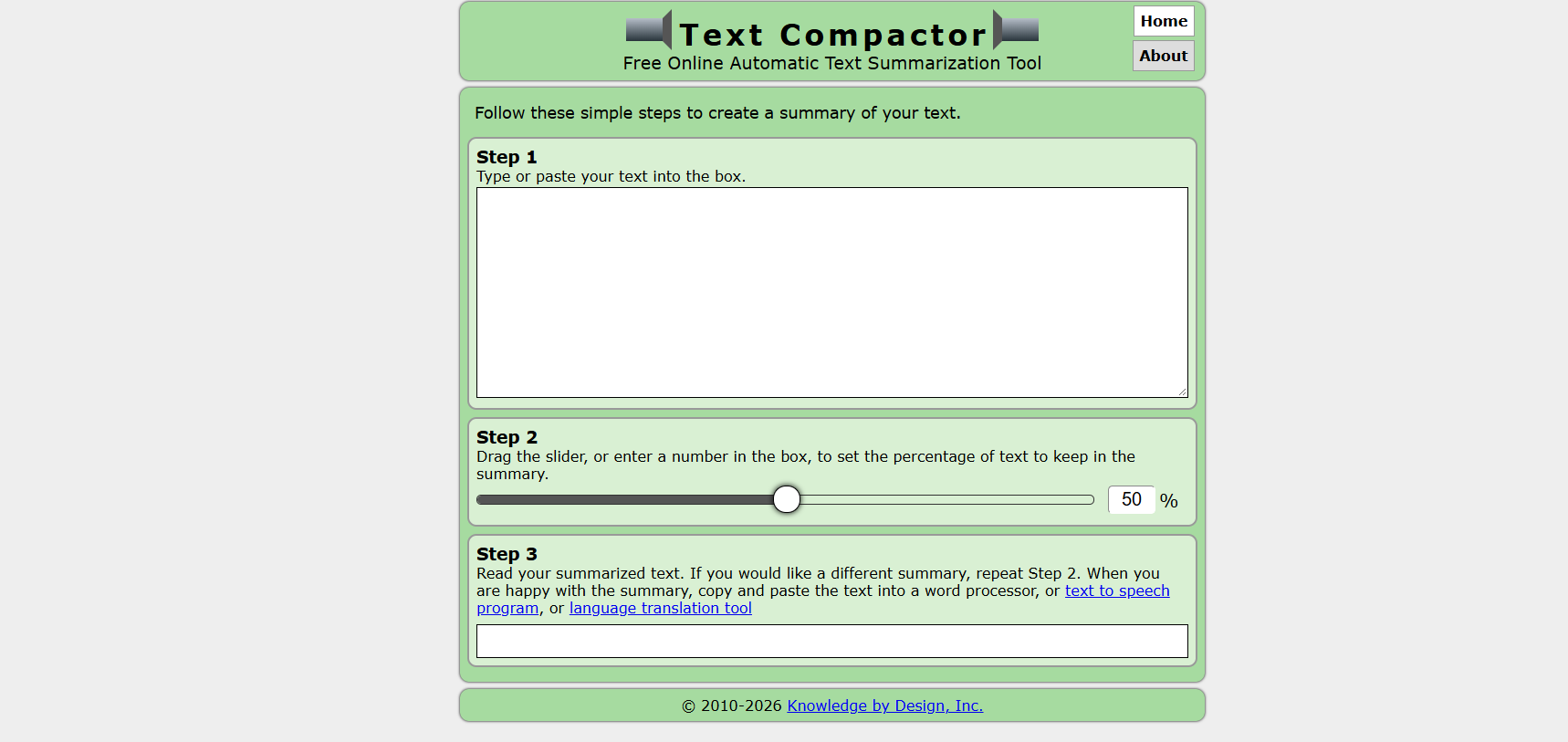
Text Compactor is a simple online summarization tool that selects important sentences from pasted text. Enter your reading, choose the percentage of content you want to retain, and generate a shorter version.
The tool uses word-frequency information to identify relevant sentences. This makes it useful for getting a quick overview of nonfiction readings or finding passages worth reviewing before class. However, selecting sentences does not necessarily preserve the full meaning of a source.
For example, an important limitation may appear several sentences after the main finding. If the tool removes that qualification, the summary may suggest a stronger conclusion than the original text supports.
Pros:
Completely free online tool.
Simple paste-and-summarize process.
Percentage-based length control.
Extracts original sentences without rewriting them.
Cons:
Word-frequency selection may miss important context.
Less suitable for fiction or very short passages.
Does not generate newly written explanations.
Price:
Free to use.
3. Linnk AI: Best for Document-Based Study Summaries
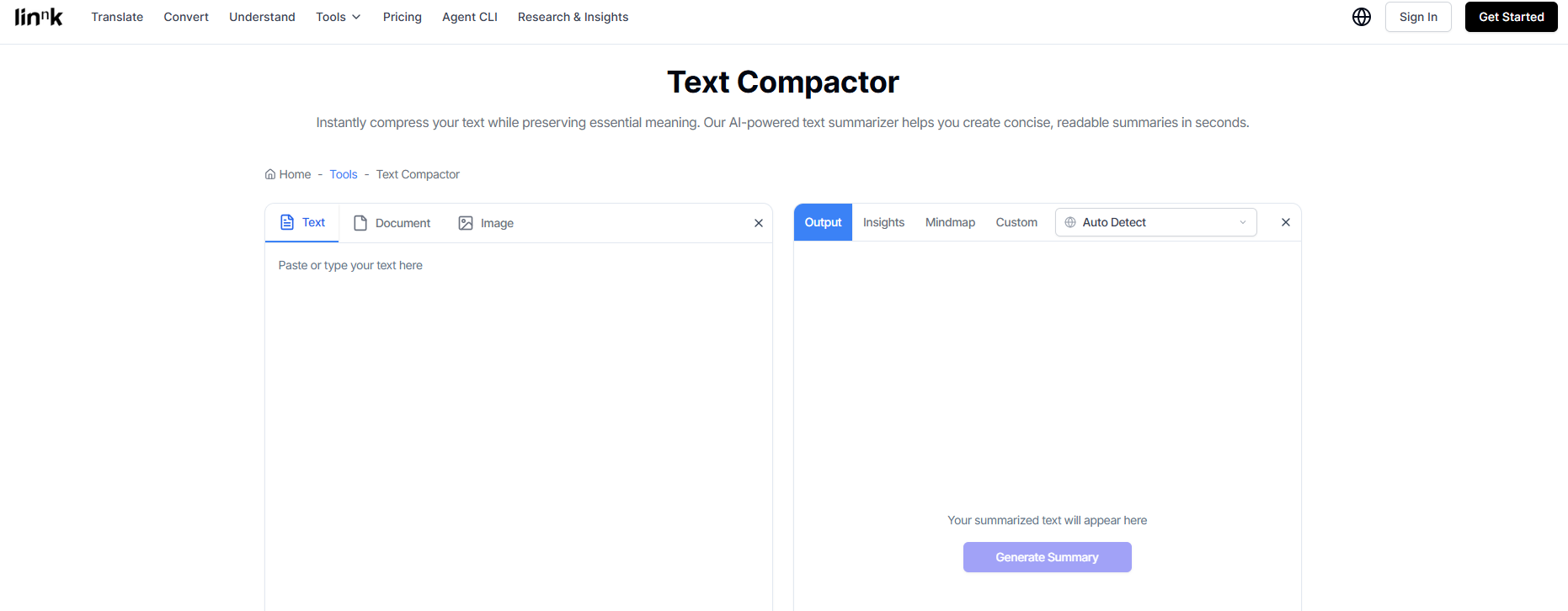
Linnk AI's Text Compactor supports pasted text and uploaded documents, including PDF, DOC, and DOCX files. Students can adjust summary length, choose formats such as paragraphs or key points, and focus on specific sections like methodology or conclusions.
This makes Linnk AI useful for academic readings where you need different types of notes from the same document. For example, you might summarize a paper's methodology before a seminar and then extract its main findings for a research assignment. Students preparing literature reviews can also use document summaries to identify studies worth comparing, although the final review must connect findings across sources rather than list individual summaries.
Linnk AI provides additional document-processing features through its paid plans. Higher tiers increase file capacity and provide access to more advanced AI models.
Pros:
Supports text and document uploads.
Multiple summary lengths and formats.
Custom focus areas and refinement options.
Suitable for PDF-based academic reading.
Cons:
Larger files require higher subscription tiers.
Generated summaries may omit important qualifications or methodological details.
Document summaries still need comparison with the source.
Price:
Essential: $8.20/month, billed annually; up to 20 MB and 50 pages per file.
Professional: $9.90/month at the advertised annual promotional rate; up to 100 MB and 100 pages per file.
Premium: $19.90/month at the advertised annual promotional rate; up to 300 MB and 300 pages per file.
Essential includes unlimited file summaries. File credits for other processing features have separate allowances.
4. Summarizer.org: Best for Adjustable Review Notes
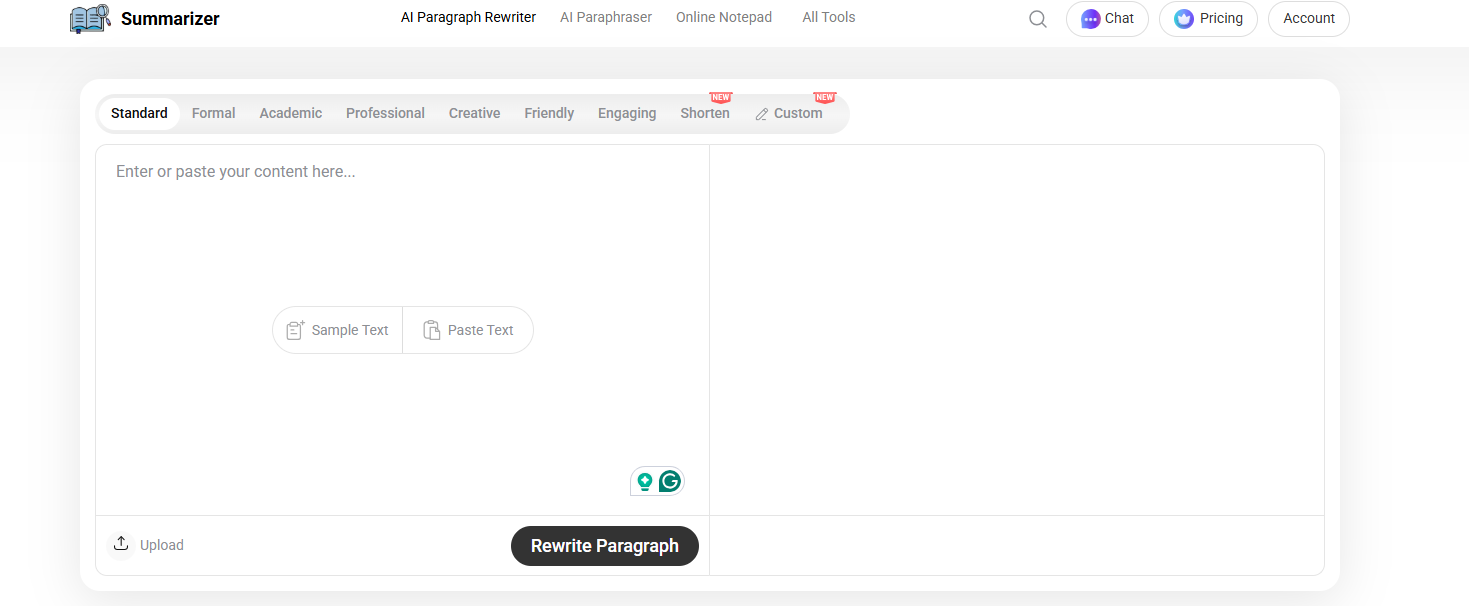
Summarizer.org provides a browser-based summarizer with adjustable output length and multiple formats. You can paste or upload text, choose a shorter or longer summary, and generate paragraph or bullet-point notes.
Its basic summarization tool is useful for students preparing revision notes or reviewing shorter course readings. Bullet points help organize important ideas for studying, while paragraph summaries make it easier to follow the overall explanation. If you are preparing for exams, concise notes can support later review, but they should not replace checking the original source when a detail is unclear.
The platform also offers paid plans with Advanced AI, additional summarization capacity, and features such as document and URL summaries.
Pros:
Free basic summarization.
Adjustable summary length.
Paragraph and bullet-point output.
Copy and document download options.
Cons:
Free input limits vary by access mode.
Advanced AI and history features require a paid plan.
Summaries may omit supporting details from longer readings.
Price:
Free: $0, with basic summarization access.
Go: $7/month, or $67/year.
Plus: $10/month, or $80/year.
Pro: $25/month, or $200/year.
Paid plans offer higher word limits and additional AI features.
5. WordCount: Best for Focused Paragraph and Bullet Summaries
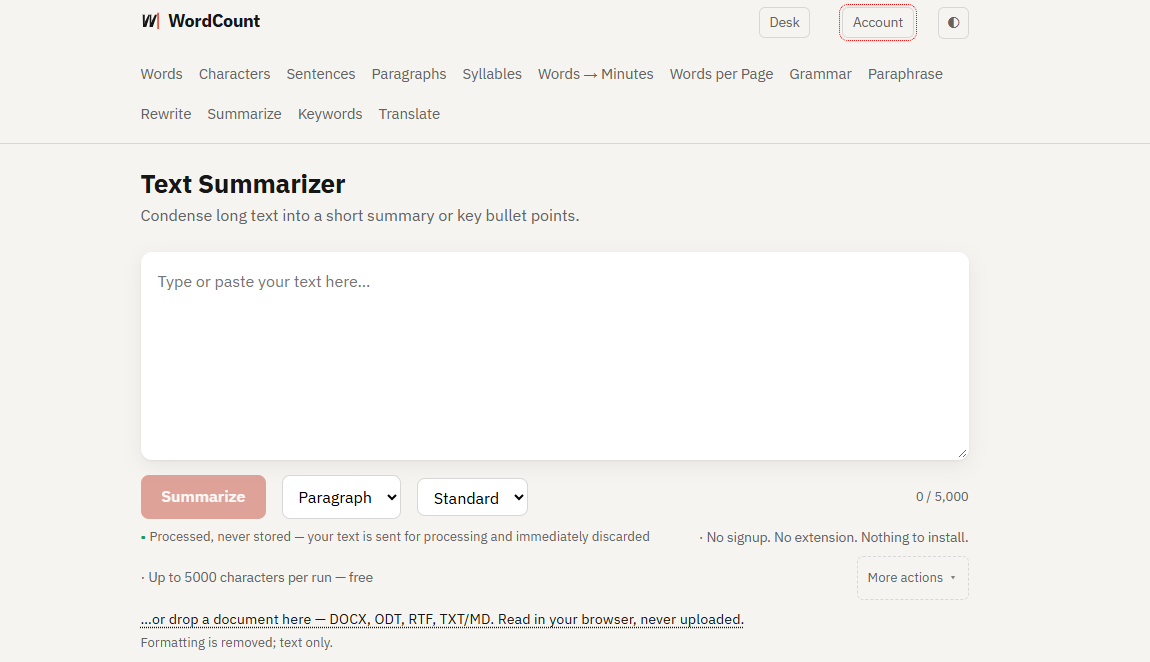
WordCount offers a free text summarizer that turns longer passages into short paragraphs or key bullet points. You can choose Short, Standard, or Long output and enter a focus instruction to guide the summary toward a specific topic or question.
The tool accepts up to 5,000 characters per run and supports document text extraction from DOCX, ODT, RTF, TXT, and Markdown files. This works well when you need to summarize a manageable reading section rather than an entire research paper.
Its focus field is especially useful when you already know what information you need. For example, instead of asking for a general summary, you can request the author's main limitation or explanation of a particular concept.
Pros:
Free without signup.
Three summary length options.
Custom focus instructions.
Paragraph and bullet-point formats.
Supports several document text formats.
Cons:
Maximum input is 5,000 characters per run.
Imported document formatting is removed.
Tables and layout-dependent details require separate review.
Price:
Free to use without registration.
How to Summarize an Article With a Text Compactor
A text compactor can make long readings easier to review, but you still need to check whether the summary captures the source accurately. This is especially important for academic articles containing statistics, limitations, or complex explanations.
Follow these five steps:
Define your purpose. Decide whether you need a quick overview, revision notes, or a shorter version of your own writing.
Choose a suitable section. Include enough surrounding context to understand the author's main claim.
Select a moderate summary length. Start with enough detail to understand the passage, then reduce further if needed.
Compare the result with the original. Check numbers, names, dates, technical terms, and qualifications.
Keep the source information. Record the author, title, and relevant page or section for later reference.
If you're summarizing research for an assignment, first verify whether an article is peer reviewed. A polished summary doesn't establish that a source is academically reliable.
A Compression Example: Keep the Qualification
Consider this fictional example of a research finding:
Version | Text |
Original | In a small voluntary campus survey, students who used weekly study plans reported fewer missed deadlines. The survey did not establish that planning caused the difference. |
Too Compressed | Weekly study plans reduce missed deadlines. |
Better Summary | A small voluntary survey linked weekly planning with fewer reported missed deadlines, without establishing causation. |
The shorter version removes an important limitation and incorrectly suggests a causal relationship. The better summary preserves the scope of the finding while using fewer words.
This matters when combining findings from different studies. Strong literature review writing requires comparing the evidence, identifying disagreements, and retaining methodological limitations rather than relying on isolated summaries.
Finish the Wording After Checking the Meaning
After creating a summary or shortening a paragraph, read the result alongside the original. Restore any missing qualifiers, source details, or connections before editing the language.
If the wording sounds unnatural or repetitive, Verla's AI Humanizer can help refine academic passages. The process of humanizing AI-generated content should focus on improving clarity and preserving your own reasoning rather than simply changing vocabulary or seeking a particular detector score.
Conclusion
The best text compactor depends on what you're trying to shorten. The original Text Compactor works well for extracting important sentences, Linnk AI supports document-based academic summaries, and Summarizer.org and WordCount offer flexible options for study notes.
For students revising their own essays, Verla provides a different workflow through its Paragraph Rewriter and AI Humanizer. Instead of producing a summary, it helps refine existing writing while keeping the paragraph's original purpose in view.