
As a college student, I rarely have just one study problem to deal with. One week, I am trying to keep several deadlines straight; the next, I need better lecture notes, a way to memorize material for an exam, or something that stops me from checking my phone every few minutes.
That is why I do not think the best study apps for college students all need to do the same thing. I looked at 10 of the best study apps for planning, note-taking, memorization, and focus, based on problems I regularly run into as a student. I have also included a bonus AI tool for research and academic writing.
Quick Picks: The Best Study Apps for College Students at a Glance
I definitely would not download all ten at once. These top study apps solve different problems, so this table is a quick way to find the one that fits what you actually need.
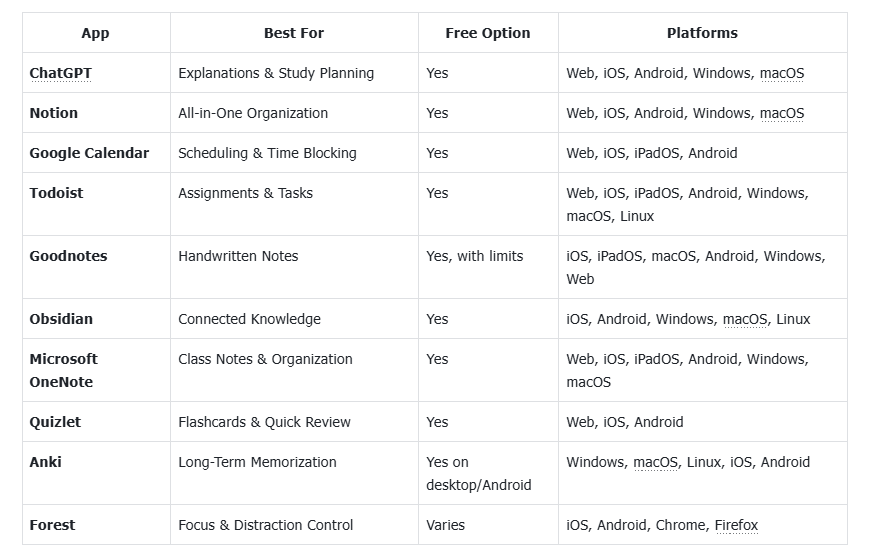
Best AI Apps to Help You Study and Understand Difficult Material
There are times when I do not need another place to store notes. I just need someone to explain a confusing reading or help me figure out how I am going to get through everything this week. That is where an AI assistant can be genuinely useful.
ChatGPT – Best for Explanations and Personalized Study Plans
ChatGPT is one of the most flexible apps that help me study because I can use it differently depending on the class or problem. For example, I can use it to:
Summarize readings I have already reviewed
Explain difficult concepts in simpler language
Identify key points for revision
Generate practice questions
Build personalized study schedules
One way I find it useful is to give it my class times, upcoming deadlines, priorities, and available study hours. From there, I can ask it to turn everything into a realistic weekly plan.ChatGPT works well for general study help. When I need a more structured workflow for research, drafting, rewriting, AI detection, and humanization, Verla is a better complement for those writing-focused stages.
Availability: Web, iOS, Android, Windows, macOS
Cost: Free plan available; paid plans available
Best Productivity Apps for Students to Stay Organized
For me, staying organized in college comes down to three things: knowing where my information is, knowing when I need to work, and knowing what I need to finish. These productivity apps for students handle those jobs in different ways.
Notion – Best All-in-One App for College Organization
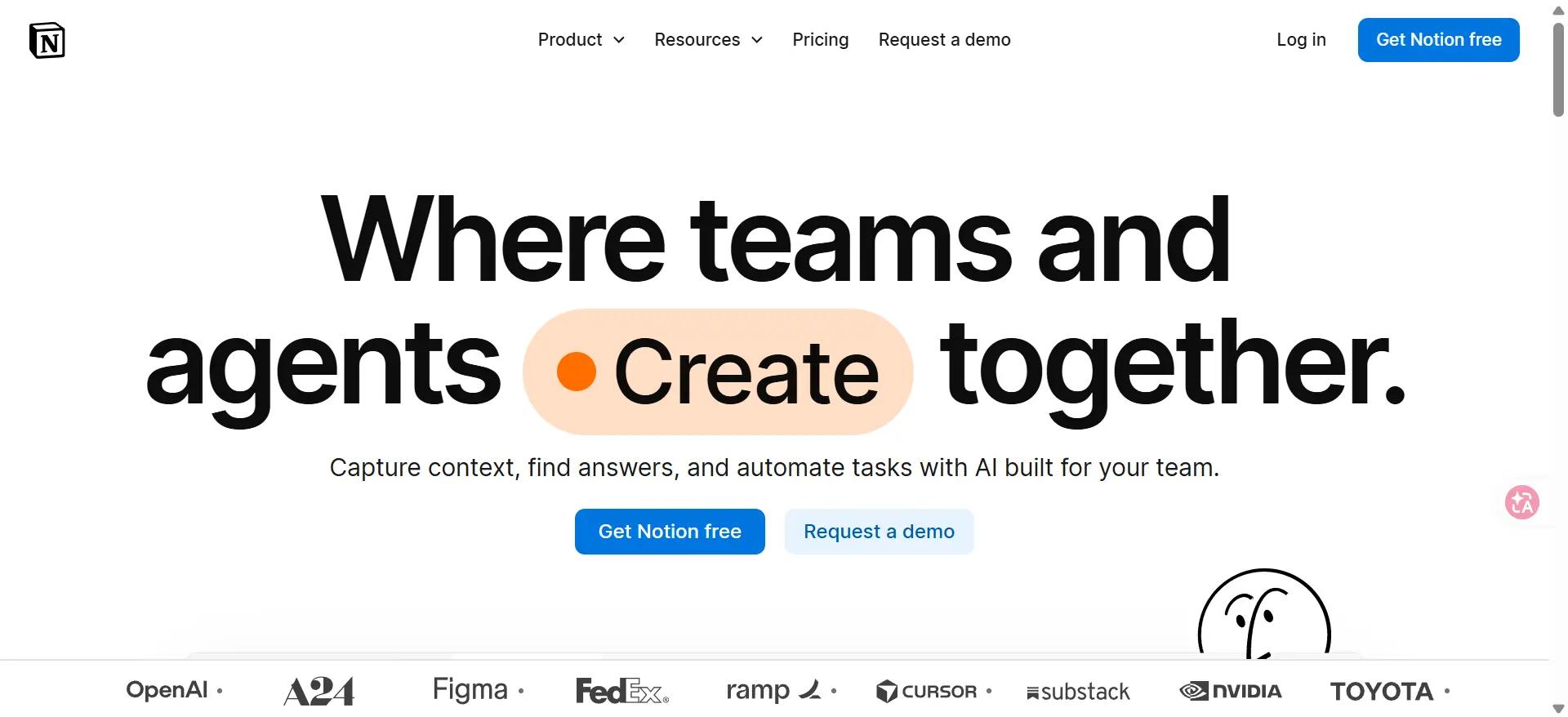
Notion is one of the most flexible organization apps for students when course information starts ending up everywhere. I can use it to:
Create pages for different classes
Store lecture notes and course resources
Track assignments and projects
Build databases and study dashboards
If I am juggling several courses, having everything in one workspace makes it easier to see what is going on. That makes Notion one of the best apps for college students to stay organized. That said, if all you need is a basic checklist, it can feel like more setup than necessary.
Availability: Web, iOS, Android, Windows, macOS
Cost: Free plan available; paid plans offer additional features
Google Calendar – Best for Deadlines and Time Blocking
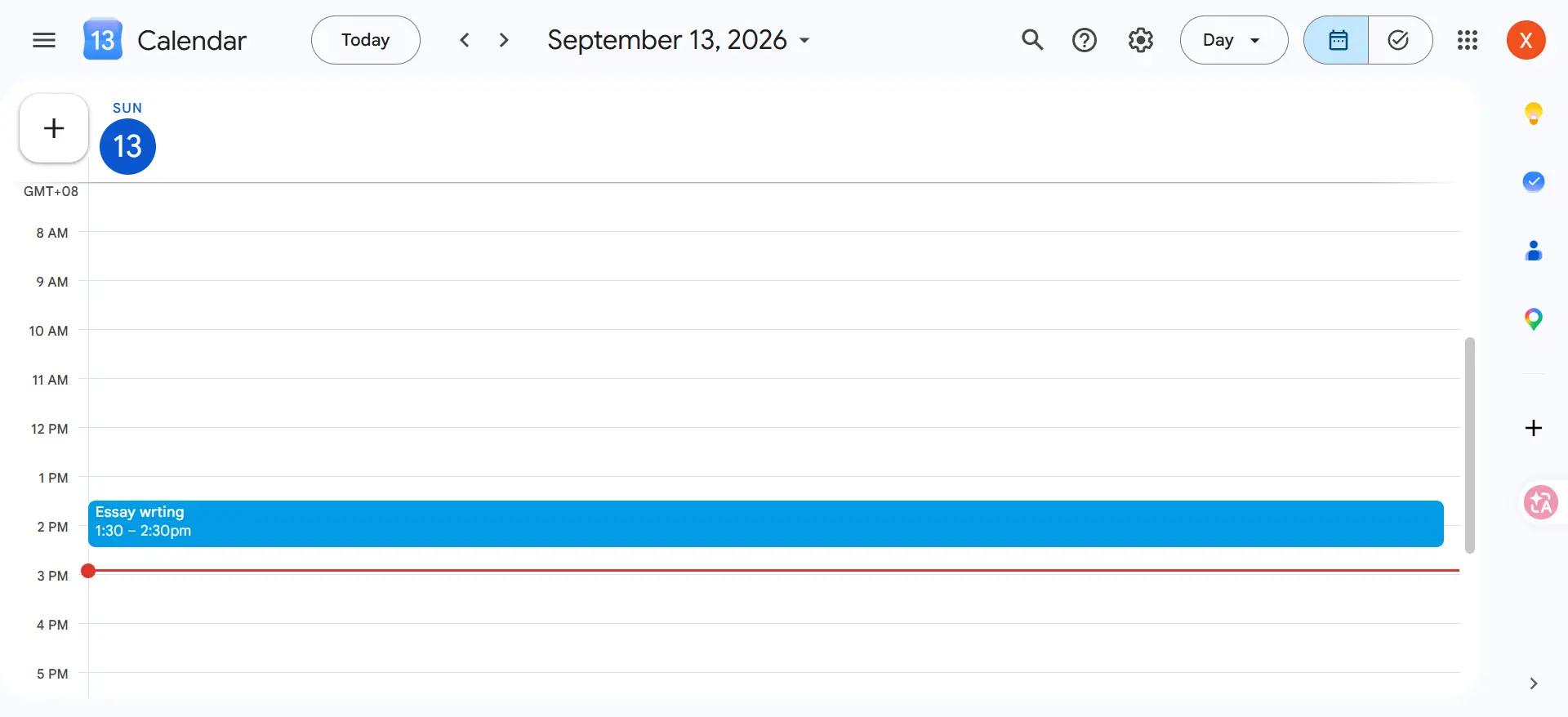
Google Calendar is one of the simplest productivity tools for students, especially when I know what needs to get done but have no idea when I am going to do it. I can:
Schedule classes and exams
Add assignment deadlines
Block dedicated study sessions
Set reminders
Balance academic and personal commitments
Time blocking helps me most during busy weeks. Instead of telling myself I will "study later," I can actually reserve two hours for it and treat that time like any other appointment.
Availability: Web, iOS, iPadOS, Android
Cost: Free with a Google account
Todoist – Best for Assignments and Academic Tasks
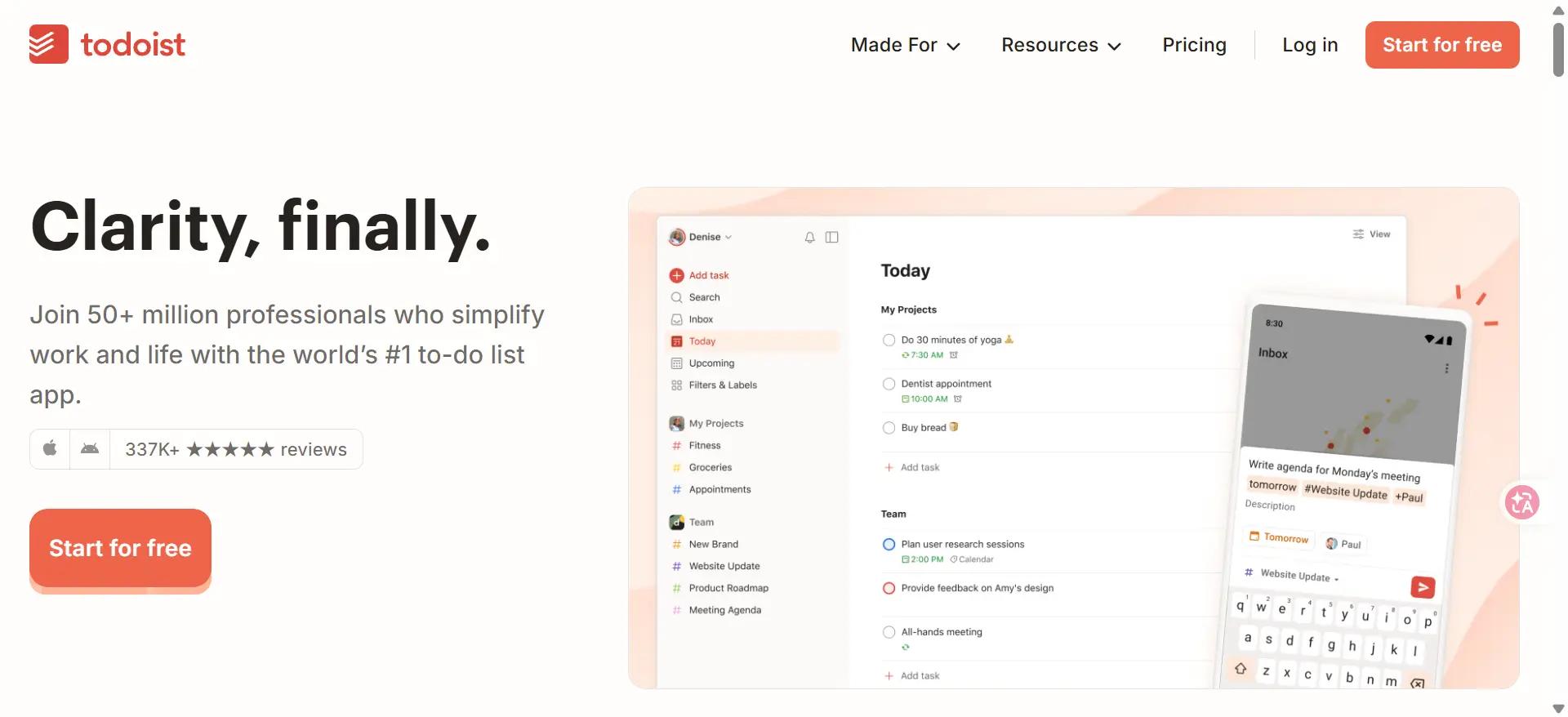
Todoist is more about action than notes or schedules. As one of the best apps for student productivity, it gives me a straightforward way to:
Create assignment lists
Set due dates and priorities
Organize tasks by class or project
Track recurring academic tasks
I think of Google Calendar as the place that tells me "when," while Todoist tells me "what." Using them together makes it easier to manage both my available time and the actual work waiting for me.
Availability: Web, iOS, iPadOS, Android, Windows, macOS, Linux
Cost: Free plan available; paid plans offer additional features
Best Note-taking Apps for College Students
I have found that note-taking is very personal. Some students want handwriting without carrying five notebooks around campus, while others care more about connecting ideas from different classes.
Goodnotes – Best Note-Taking App for College Students Who Prefer Handwriting
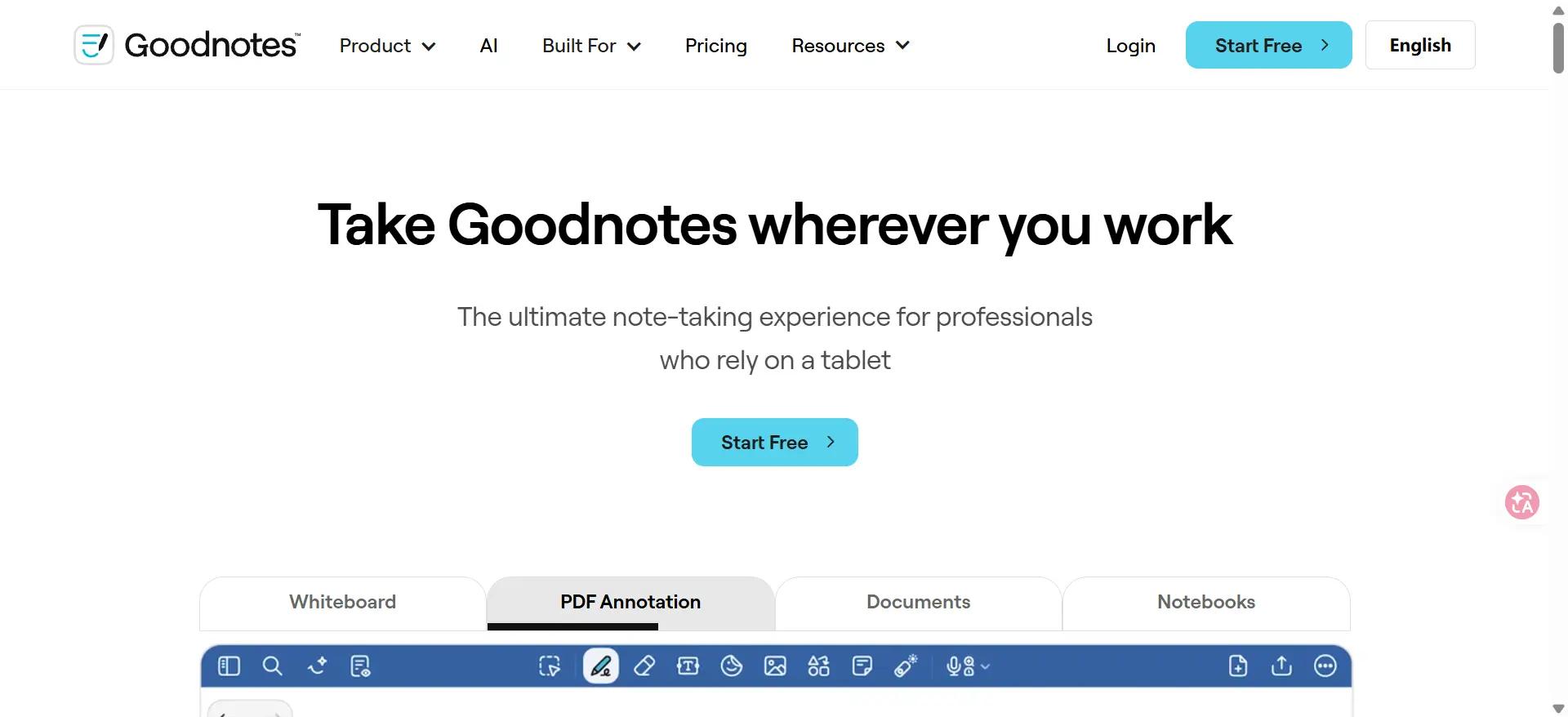
Goodnotes is especially useful if, like me, you enjoy handwritten notes but do not want to carry a notebook for every class. It lets me:
Create digital notebooks for different subjects
Handwrite lecture notes
Import and annotate PDFs or slides
Move and reorganize handwritten content
Search and manage digital notes
Its flexible editing tools are especially handy during fast lectures. I can concentrate on getting the information down first, then move things around and clean up my notes afterward.
Availability: iOS, iPadOS, macOS, Android, Windows, Web
Cost: Free plan available with limits; paid options unlock additional features
Obsidian – Best for Building a Connected Knowledge Base
Obsidian takes a different approach. Instead of leaving every note sitting on its own, I can use it to build connections between ideas. It lets me:
Create Markdown-based notes
Link related concepts
Use backlinks to revisit connections
Visualize relationships between notes
Build a long-term personal knowledge base
I find this approach particularly useful for research-heavy or concept-heavy subjects. Goodnotes helps me capture information; Obsidian helps me see how that information connects.The catch is that organizing research notes is not the same as turning them into a finished paper. When I reach that stage, Verla can pick up the next part of the workflow with research, drafting, revision, and other AI-assisted writing tools.
Availability: iOS, Android, Windows, macOS, Linux
Cost: Free for personal use; optional paid services are available
Microsoft OneNote – Best for Organizing Class Notes
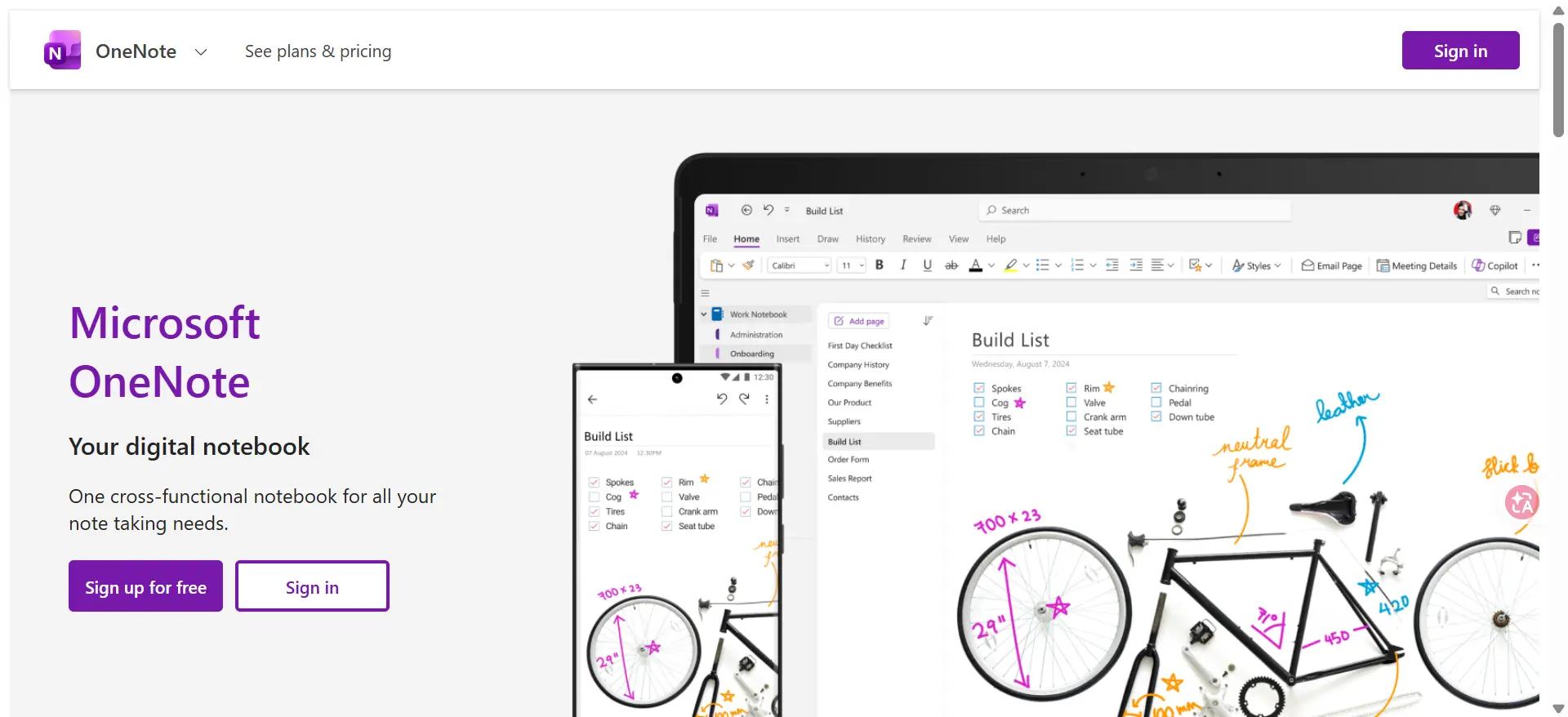
OneNote gives me a much more familiar notebook-style setup. If I want my material divided neatly by notebook, section, and page, I can:
Create notebooks for individual classes
Type or handwrite notes
Add images, files, and links
Organize content into sections
Access notes across devices
It makes even more sense if your college already uses Microsoft 365. Compared with Obsidian, OneNote takes less setup and feels closer to the notebooks I was already used to before college.
Availability: Web, iOS, iPadOS, Android, Windows, macOS
Cost: Free access available; some Microsoft 365 features require a subscription
Best Apps for Studying and Memorizing Course Material
When exams get close, I usually need one of two things: a fast way to review or a system that helps information stay in my memory longer. Quizlet and Anki are useful for those two different goals.
Quizlet – Best Study App for Flashcards and Quick Review
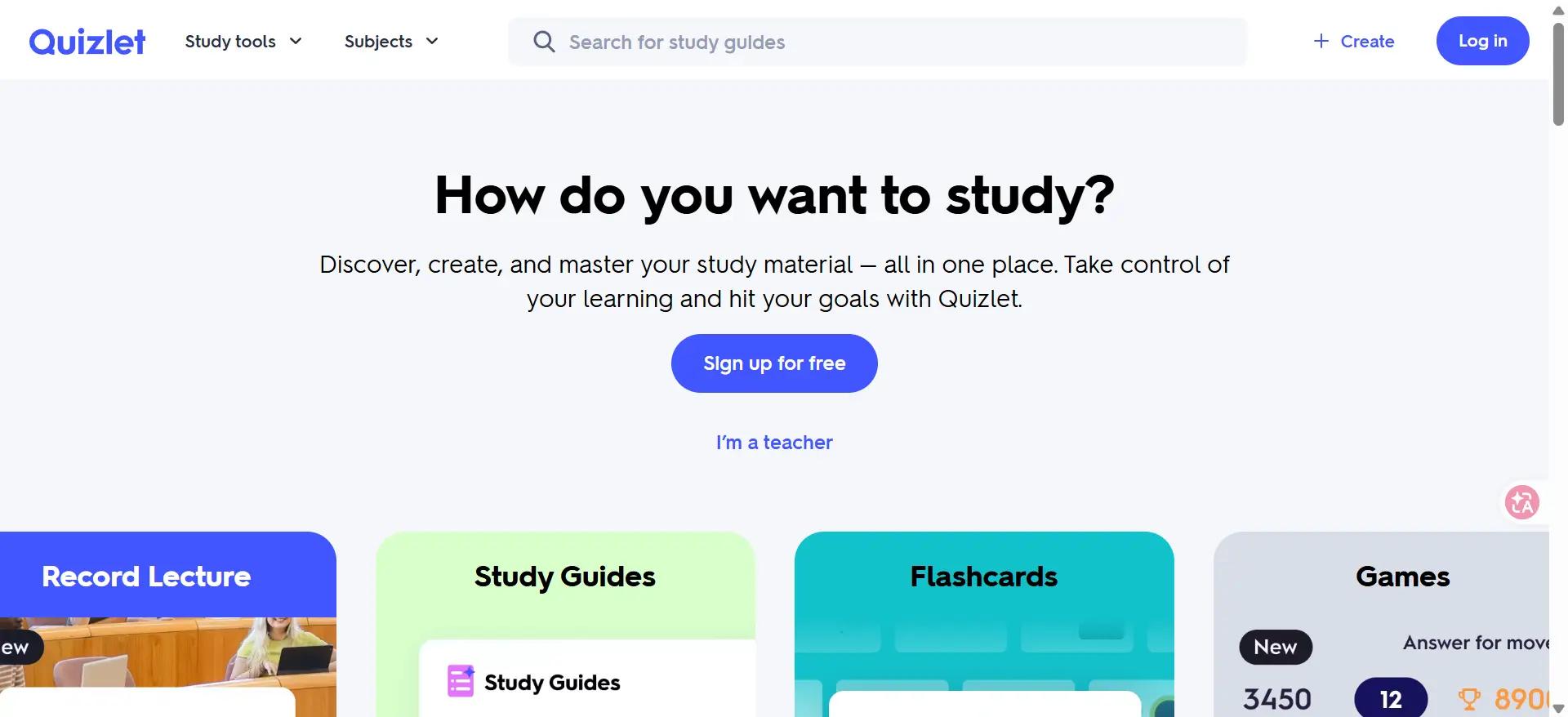
Quizlet remains one of the most recognizable study apps for college students because I can get started with flashcards quickly. It lets me:
Create digital flashcards
Find existing study sets
Review material in different formats
Study on my phone between classes
I find it especially useful for definitions, terminology, or a quick round of revision before a quiz. It does not take much setup, which matters when an exam is already staring at me from the calendar.
Availability: Web, iOS, Android
Cost: Free access available; paid plans unlock additional study features
Anki – Best for Spaced Repetition and Long-Term Memorization
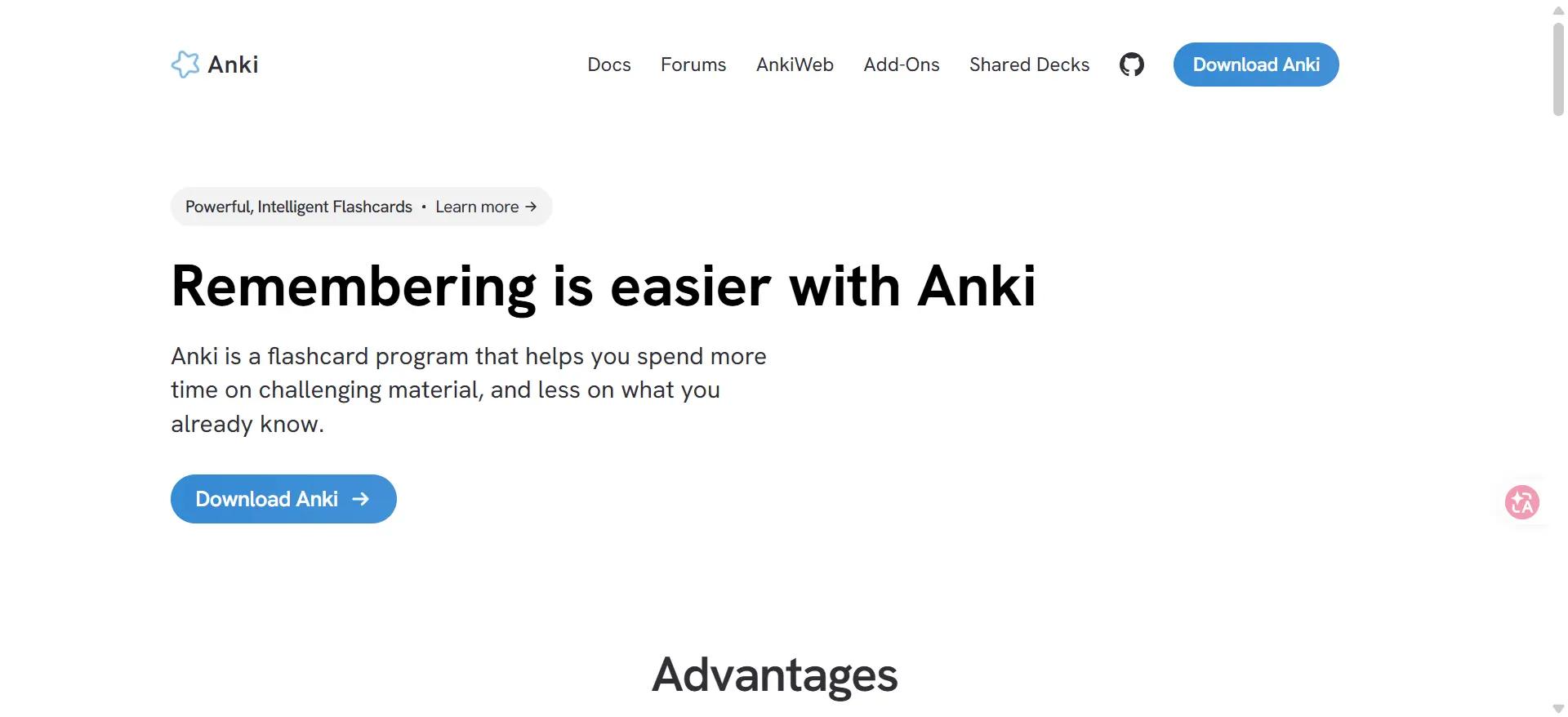
Anki is one of the best study apps for students when I need information to stay in my head beyond the next test. Its spaced-repetition system schedules reviews based on how well I remember each card. I can:
Create customizable flashcards
Schedule reviews automatically
Review difficult material more frequently
Build long-term retention
I would especially consider Anki for medicine, languages, science, or any course packed with technical terms. Quizlet feels easier for quick review, while Anki gives me more control when long-term memorization is the goal.
Availability: Windows, macOS, Linux, iOS, Android
Cost: Desktop and AnkiDroid are free; the official AnkiMobile iOS app is paid
Best Apps for Studying and Staying Focused
Sometimes I understand the material perfectly well. The problem is the phone sitting right next to me. A focus app is useful when I need to turn "I should study" into an actual distraction-free session.
Forest – Best Focus App for Students Who Get Distracted
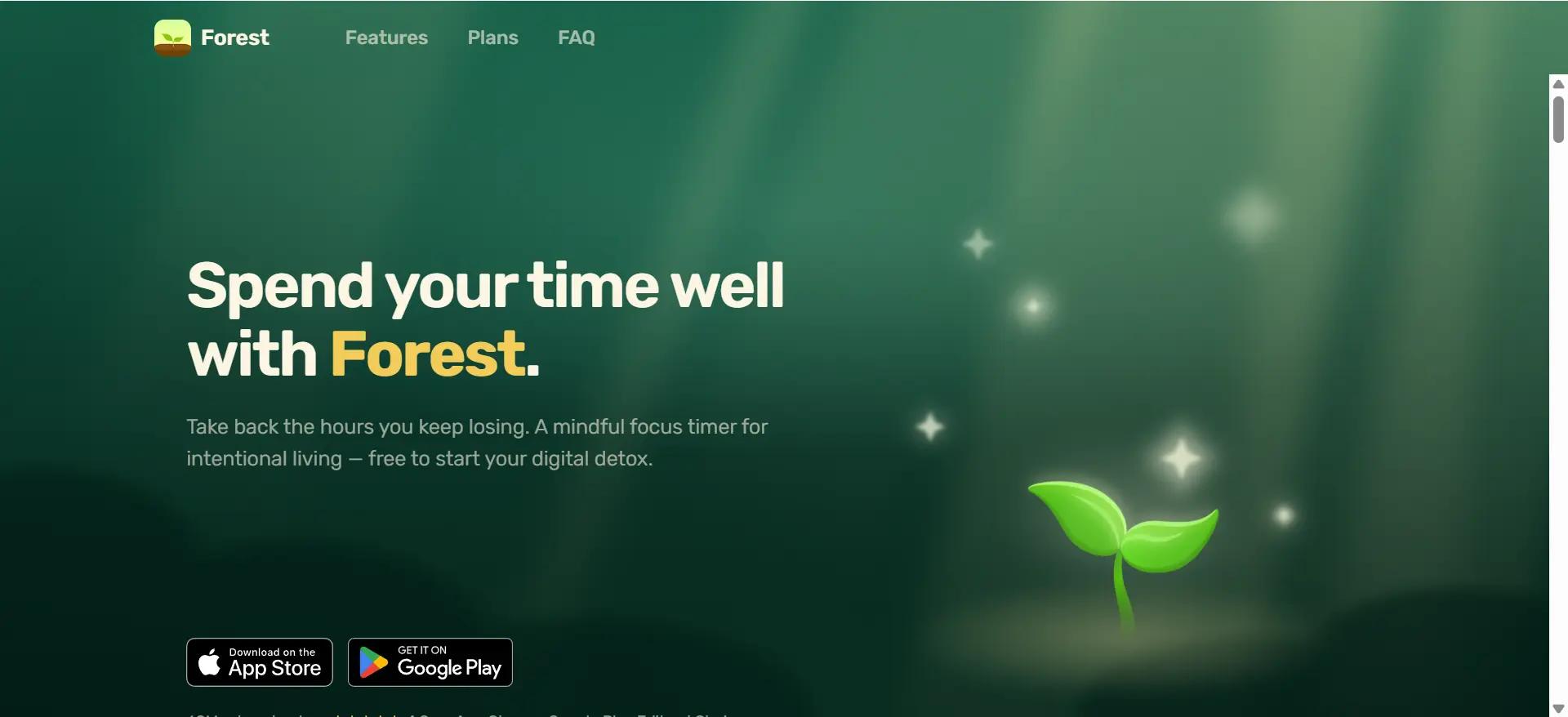
Forest makes staying focused a little more rewarding by turning each session into a virtual tree. If I stay focused, the tree grows; if I leave for distracting apps, I may lose it. I can use Forest to:
Run timed focus sessions
Reduce phone distractions
Track focused study time
Build consistent study habits
Make Pomodoro-style sessions more engaging
I would check the version available for your device before committing, since platform features and pricing differ.
Availability: iOS, Android, Chrome, Firefox
Cost: Free and paid availability varies by platform
How to Build Your Own College Study App Stack
I do not think most college students need all ten apps. For me, a smaller combination of tools that each have a clear job is much easier to maintain.
Essay & research: Verla + Obsidian + Google Calendar
Exam preparation: Anki + Quizlet + Forest
Organization: Notion + Todoist + Google Calendar
Digital note-taking: Goodnotes + Quizlet + Google Calendar
I like to think of it as a small study system: one tool manages information, another manages time, and another helps with the actual studying or work. The best free apps for college students should complement one another rather than do the same thing five different ways.
Final Thoughts on the Best Study Apps for Students
After trying different approaches to college work, I have found that the best apps for college students are not necessarily the ones with the longest feature lists. A small stack built around the problems you actually have is usually more useful.
Start with the area that slows you down most, whether that is organization, note-taking, memorization, or focus. For research- and essay-heavy coursework, Verla can complement those apps by helping with the research and academic writing side of the workflow.