
You have collected your research, finished the survey, and gathered the data for your class project. Now comes the difficult part: turning everything into a clear, well-organized report. An AI report generator can help with outlining, analyzing information, and presenting findings, but different tools are designed for different stages of the process.
This guide compares five AI report generators for college students, covering their features, free access, pricing, and limitations. Whether you need help writing an academic report, analyzing a dataset, or creating a visual presentation, you'll find options for different assignments.
AI Report Generators at a Glance
Tool | Best For | Key Features | Starting Price |
Verla | Academic reports and assignment-based writing | Rubric-aware drafting, source materials, citations, revision | $2.99/7-day Pro trial |
Julius AI | Data analysis and statistical reports | Spreadsheet analysis, Python, charts, report generation | Free; Plus from $16/month annually |
Venngage | Customizable visual reports | AI report layouts, templates, charts, visual editing | Free; Premium from $10/month annually |
Piktochart | Turning research into visual reports | AI document generation, editable layouts, charts | Free; Pro from $10/month annually |
Visme | Interactive reports and presentations | AI report creation, data visualization, interactive elements | Free; Starter from $12.25/month annually |
These tools address different parts of report creation. Verla focuses on academic requirements and writing, Julius AI specializes in data analysis, while Venngage, Piktochart, and Visme help present information visually.
Before choosing one, consider whether your assignment requires a written academic report, a data analysis report, or a designed presentation. Students comparing the best AI tools for school work should prioritize tools that match their actual coursework rather than choosing based on the number of features alone.
How We Compared These AI Report Generators
Not every AI report generator can handle research, calculations, and visual design equally well. Some tools work best with assignment instructions and supporting documents, while others focus on datasets or presentation layouts.
We compared the five options using these criteria:
Input options: Can you upload assignment instructions, PDFs, spreadsheets, research notes, or existing drafts?
Report generation: Does the tool help organize sections, develop explanations, and present findings?
Data handling: Can it analyze supplied data or create charts and tables?
Customization: Can you adjust report structure, writing style, layout, and output format?
Free access and pricing: What features, usage allowances, and exports are included?
Academic suitability: Does the workflow support evidence-based reports and course requirements?
The comparison uses published product features and pricing rather than independent tests of writing quality or analytical accuracy. Students should still check every generated finding against their original data and sources.
5 Best AI Report Generators for Students
Verla: Best for Academic Reports and Assignment-Based Writing
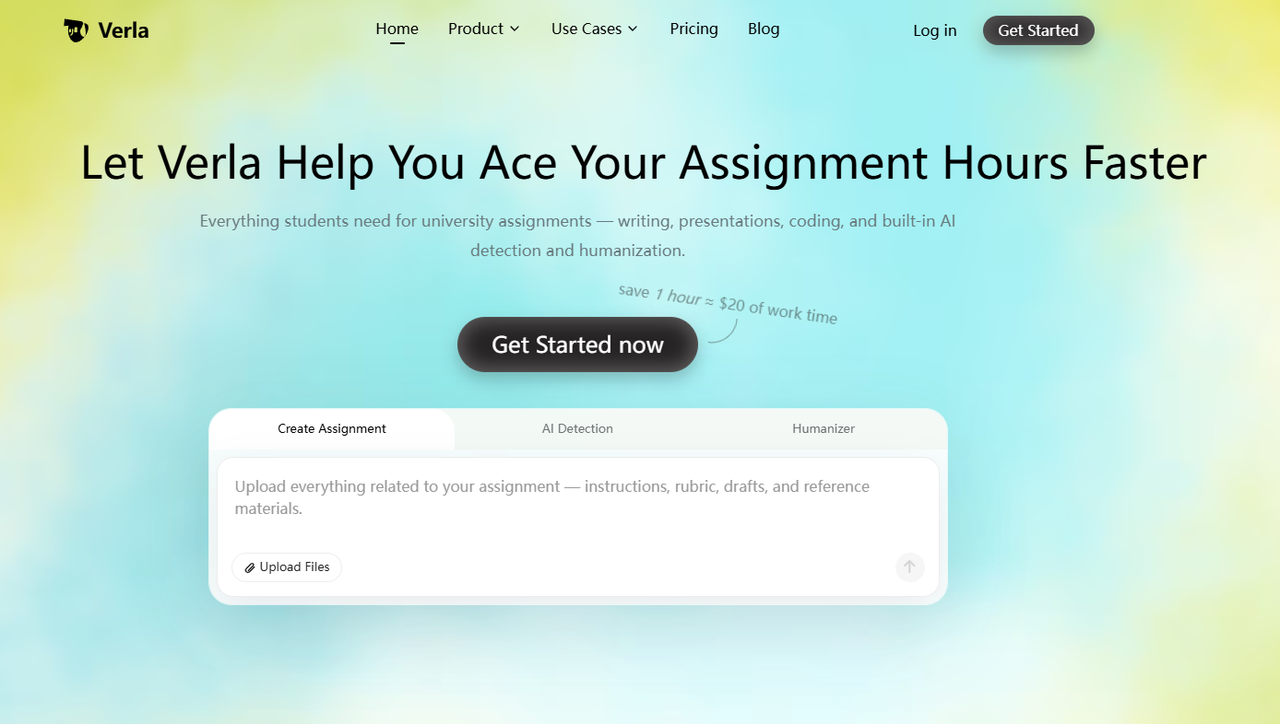
Verla's Academic Assistant helps students organize academic assignments using instructions, grading rubrics, research notes, datasets, and reference materials. Instead of generating a generic report from a short prompt, its workflow can incorporate the specific requirements of a course project and help develop a structured draft.
This is particularly useful when your report needs an introduction, methodology, findings, discussion, and conclusion. Students learning how to write a research paper may recognize a similar need to connect research questions, evidence, and explanations. Verla also includes AI Detection and AI Humanizer for reviewing writing after drafting, although calculations, references, and conclusions still need to be verified.
Pros:
Accepts assignment prompts, rubrics, and supporting files.
Helps organize academic reports around course requirements.
Supports research-based writing and common citation styles.
Combines drafting, AI Detection, and AI Humanizer.
Supports writing, presentation, and coding outputs on eligible plans.
Cons:
No permanent free plan.
Assignment generations are limited by subscription.
Generated findings and references require verification.
Price:
Pro Trial: $2.99 for 7 days, including one assignment generation; renews at $79.99/month unless canceled.
Basic: $19.99/month, including 3 assignment generations and up to 5 files per assignment.
Plus: $39.99/month, including 8 assignment generations and up to 10 files per assignment.
Pro: $79.99/month, including 16 assignment generations and unlimited file uploads per assignment.
Annual billing: Starts at $7.99/month equivalent, billed annually.
Extra Assignment Pack: $9.99 for 3 additional assignments, valid for two months.
Julius AI: Best for Data Analysis and Statistical Reports
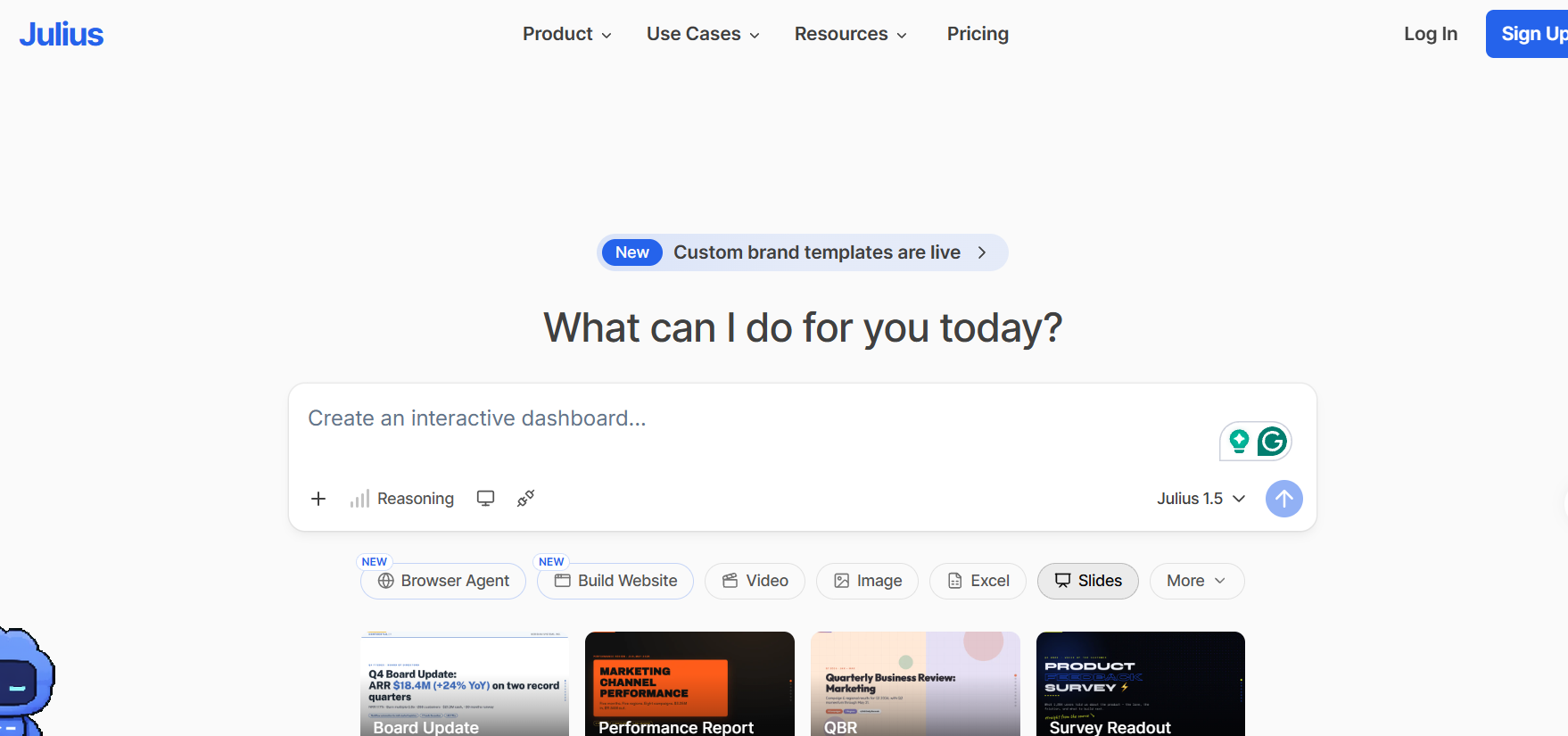
Julius AI is designed for working with datasets and turning analytical results into understandable reports. Students can upload spreadsheets, CSV files, and other supported documents, then ask questions about the data. Julius can run code, calculate results, generate charts, and explain patterns in a conversational workflow.
This makes it useful for survey projects, statistics assignments, and research involving numerical data. For example, students analyzing responses from a campus survey can ask Julius to calculate averages, compare groups, or visualize trends. However, the usefulness of any result depends on whether the calculations and assumptions are appropriate. Students comparing AI tools for research should distinguish between generating an explanation and actually validating the underlying data.
Pros:
Supports spreadsheets and other data files.
Uses code-based analysis for calculations.
Generates charts, tables, and written explanations.
Allows follow-up questions and revisions.
Supports report exports on paid plans.
Cons:
Requires users to check calculations and assumptions.
More focused on analysis than academic citation formatting.
Paid plans use credit-based allowances.
Price:
Free: $0, with limited daily credits.
Plus: $20/month, or $16/month with annual billing; includes 2,000 monthly credits.
Pro: $45/month, or $37/month with annual billing; includes 5,000 monthly credits.
Max: $200/month, or $166/month with annual billing; includes 25,000 monthly credits.
Venngage: Best for Customizable Visual Reports
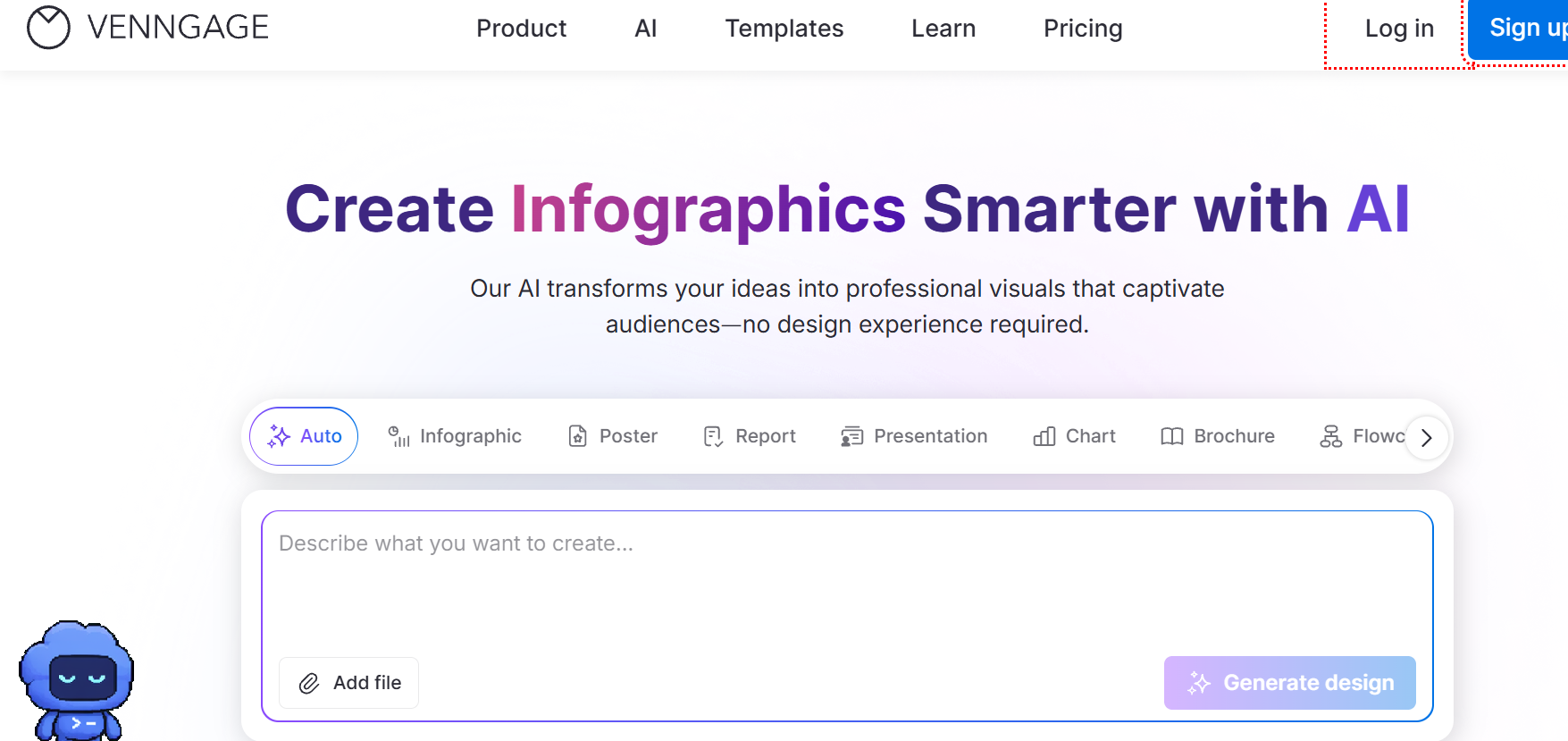
Venngage is an AI-powered design platform that helps users create reports, infographics, charts, and other visual documents. Its report-generation workflow starts with a topic or prompt describing the report's purpose, audience, and main information. You can then customize the layout, colors, text, and visual elements.
For student projects, Venngage works best when the research and findings are already prepared. A business-course report, for example, might need to present market findings, survey results, or recommendations in a visually engaging format. Venngage can improve presentation, but students still need to check that the charts and summaries accurately reflect the original evidence.
Pros:
AI-assisted report layouts and design.
Customizable templates, charts, and graphics.
Easy editing of text and visual elements.
Supports different report and infographic formats.
Suitable for visually focused class projects.
Cons:
Free designs can only be shared publicly.
PDF and PowerPoint exports require Business.
Visual design features do not verify report accuracy.
Price:
Free: $0, including 5 designs and public sharing.
Premium: $19/month, or $10/month with annual billing; includes unlimited designs, PNG downloads, and private sharing.
Business: $49/month per user, or $24/month per user with annual billing; includes PDF and PowerPoint exports, Brand Kits, and collaboration features.
Enterprise: Starts at $499/month for larger organizations.
Piktochart: Best for Turning Research Into Visual Reports
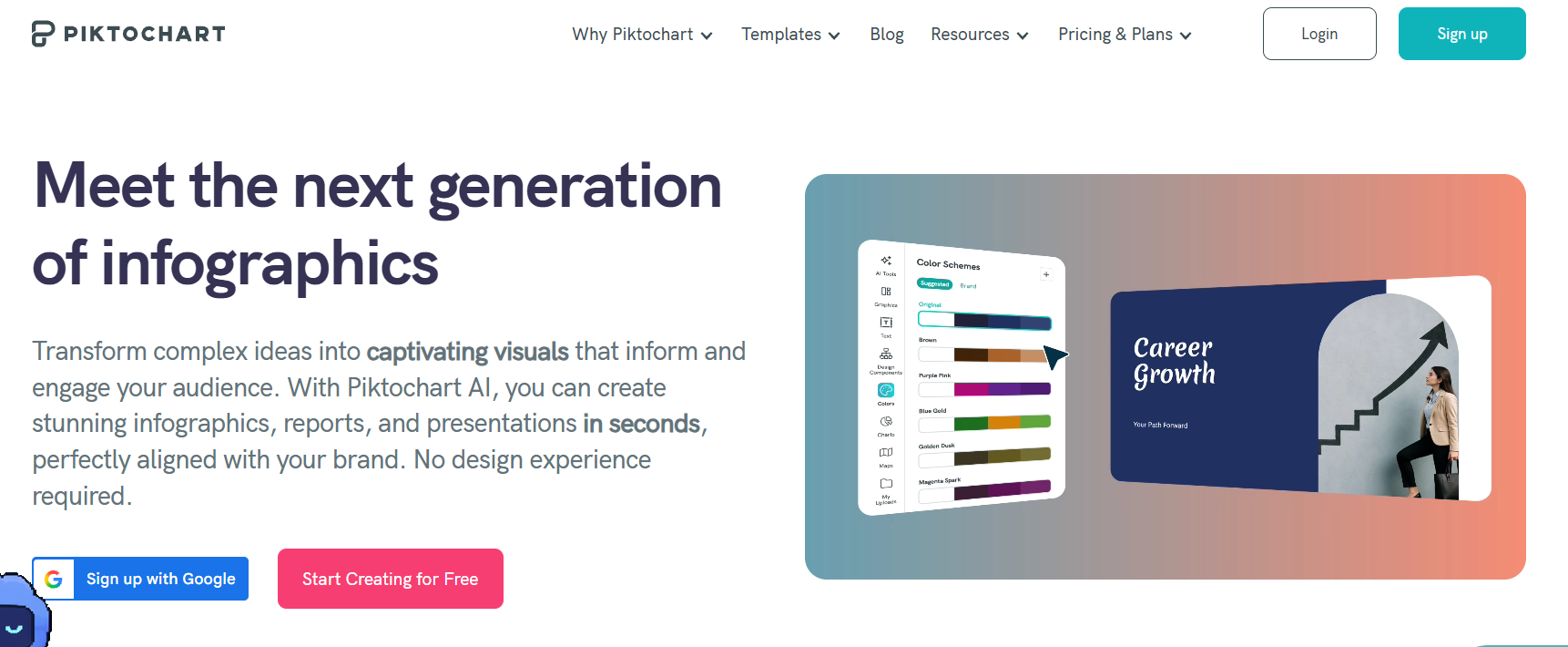
Piktochart's AI Document Generator helps turn prompts, written content, and uploaded documents into designed reports. Students can provide existing research findings or upload supported files, including PDF, DOCX, and TXT, then generate an editable document with headings, charts, and visual elements.
This is particularly useful for students who have already completed the writing but need to present their findings more clearly. For example, a project comparing several research studies may benefit from visual summaries or comparison charts. However, a well-designed report still needs the evidence-based reasoning expected in a literature review, especially when different studies reach conflicting conclusions.
Pros:
Supports prompts, text, and document uploads.
Generates editable report layouts.
Includes charts, graphics, and visual customization.
Useful for redesigning existing written content.
Offers discounted educational pricing.
Cons:
Free downloads are limited.
Some export formats require paid plans.
Generated visual summaries may omit important details.
Price:
Free: $0, including 60 AI credits and 2 PNG downloads.
Pro: $15/month per member, or $10/month with annual billing; includes 500 AI credits.
Business: $20/month per member, or $17/month with annual billing; includes 1,000 AI credits and PDF/PPT downloads.
Education: $39/member/year with a valid educational email; includes 250 AI credits and unlimited PNG, PDF, and PPT downloads.
Visme: Best for Interactive Reports and Presentations
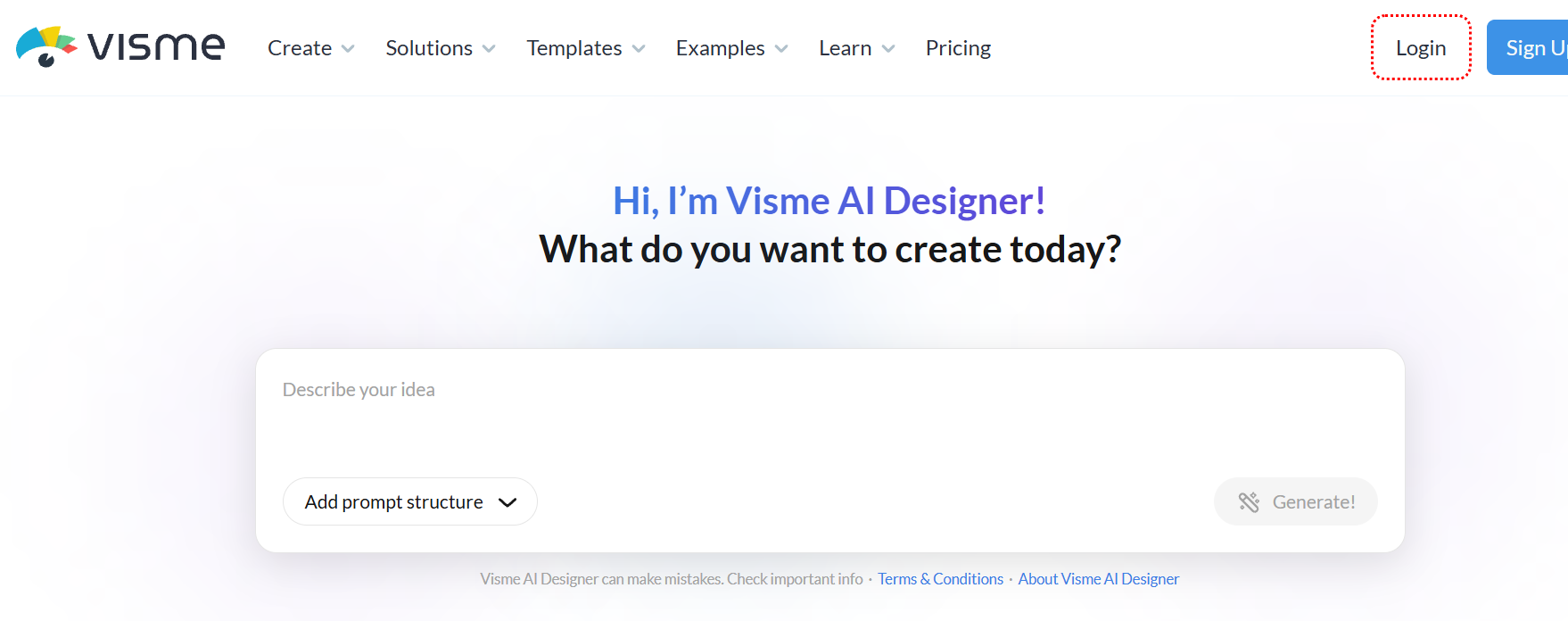
Visme helps users create reports, presentations, and other visual content through AI-assisted generation and editing. You can start with a prompt, provide existing content, or use supported document and URL inputs. After generating a draft, Visme allows you to customize pages, add charts, and incorporate interactive elements.
This makes Visme useful for group presentations, business projects, and reports intended for online viewing. Students can create visual explanations of survey results or project outcomes without designing every page manually. However, interactive features may not transfer into static exports, so it's important to check the required submission format before choosing a template.
Pros:
AI-assisted report and presentation creation.
Supports existing content and document inputs.
Customizable charts, graphics, and layouts.
Interactive and animated presentation options.
Multiple export formats on paid plans.
Cons:
Free access has feature and asset restrictions.
Advanced exports require paid subscriptions.
Interactive elements may not work in static PDFs.
Price:
Basic: Free, with limited templates and assets.
Starter: $147/year, equivalent to $12.25/month; includes PDF, PNG, and JPG downloads.
Pro: $297/year, equivalent to $24.75/month; adds PPTX, HTML5, video, and GIF exports, along with additional customization features.
Enterprise: Custom pricing for larger organizations.
How to Use an AI Report Generator for College Projects
An AI report generator works best when you already understand the purpose of your assignment and have the necessary supporting materials. Rather than asking a tool to create a complete report from a title, use a process that keeps your findings connected to the original evidence.
Follow these five steps:
Review the assignment requirements. Identify the report's purpose, required sections, word count, citation style, and grading criteria.
Collect your materials. Prepare research notes, datasets, source documents, and any relevant instructions.
Choose the right tool. Use an academic writing tool for structured reports, a data analysis tool for calculations, or a design platform for visual presentation.
Generate and review the draft. Check that each section addresses the assignment and that all claims are supported.
Revise and export. Improve clarity, verify references, and confirm that the final file matches the submission requirements.
For students handling complete academic assignments, Verla can help organize instructions, supporting materials, and report sections before the final writing review. This is useful when the challenge involves meeting a detailed rubric rather than simply producing a polished-looking document.
Prepare Your Report Materials First
The quality of a generated report depends heavily on the information you provide. A tool cannot reliably explain research findings or project outcomes that haven't been documented.
Before generating, prepare the following:
Material | Why It Matters |
Assignment brief and rubric | Defines the report's purpose and required sections |
Research notes and sources | Supports background information and conclusions |
Dataset or results | Provides the actual findings to analyze |
Methodology notes | Explains how information was collected |
Formatting requirements | Determines citation style, length, and output format |
For research-based assignments, the same principles used in writing a research paper apply: establish a clear question, organize reliable evidence, and explain how the findings support your conclusions.
Check the Data Before Writing Your Findings
An AI report generator may produce convincing explanations even when the underlying data contains errors. Before accepting generated charts or interpretations, check the calculations and how the data was processed.
Pay particular attention to:
Sample size: Are the reported totals based on the correct number of observations?
Missing values: Were incomplete responses or records handled appropriately?
Percentages: Are calculations using the correct denominator?
Chart labels: Do titles, units, and categories match the data?
Interpretation: Does the evidence actually support the stated conclusion?
This is especially important for experimental assignments. Students working on a lab report need to distinguish between Results and Discussion rather than presenting an AI-generated explanation as an observed finding.
Use a More Specific Prompt
Instead of asking an AI tool to "write a report about my project," provide the assignment requirements and explain how the supplied information should be used.
Example prompt:
Create a structured academic report using the attached assignment instructions, dataset, and research notes. Include the required sections and use only the supplied information for findings and calculations. Separate observations from interpretations, identify missing evidence, and mark claims that require verification. Do not invent statistics, sources, measurements, or project outcomes.
A detailed prompt gives the generator clearer boundaries, but it doesn't replace reviewing the output. Check important figures, references, and conclusions before editing the writing style.
Review the Writing Before Submission
Once the structure and evidence are correct, focus on readability. Remove repeated explanations, simplify overly complicated sentences, and make sure each section connects logically to the next.
Verla's AI Humanizer can help refine academic wording as part of the broader assignment workflow. The goal of humanizing AI-generated content should be improving clarity while preserving accurate figures, technical terms, and citations.
Conclusion
The best AI report generator depends on the type of project you're completing. Julius AI is useful for data analysis, while Venngage, Piktochart, and Visme focus on visual reports and presentations. Each offers different customization, pricing, and export options.
For students working on academic reports, Verla provides a more assignment-focused workflow. It brings course instructions, supporting materials, writing, and revision tools together, helping students organize reports around their actual requirements.