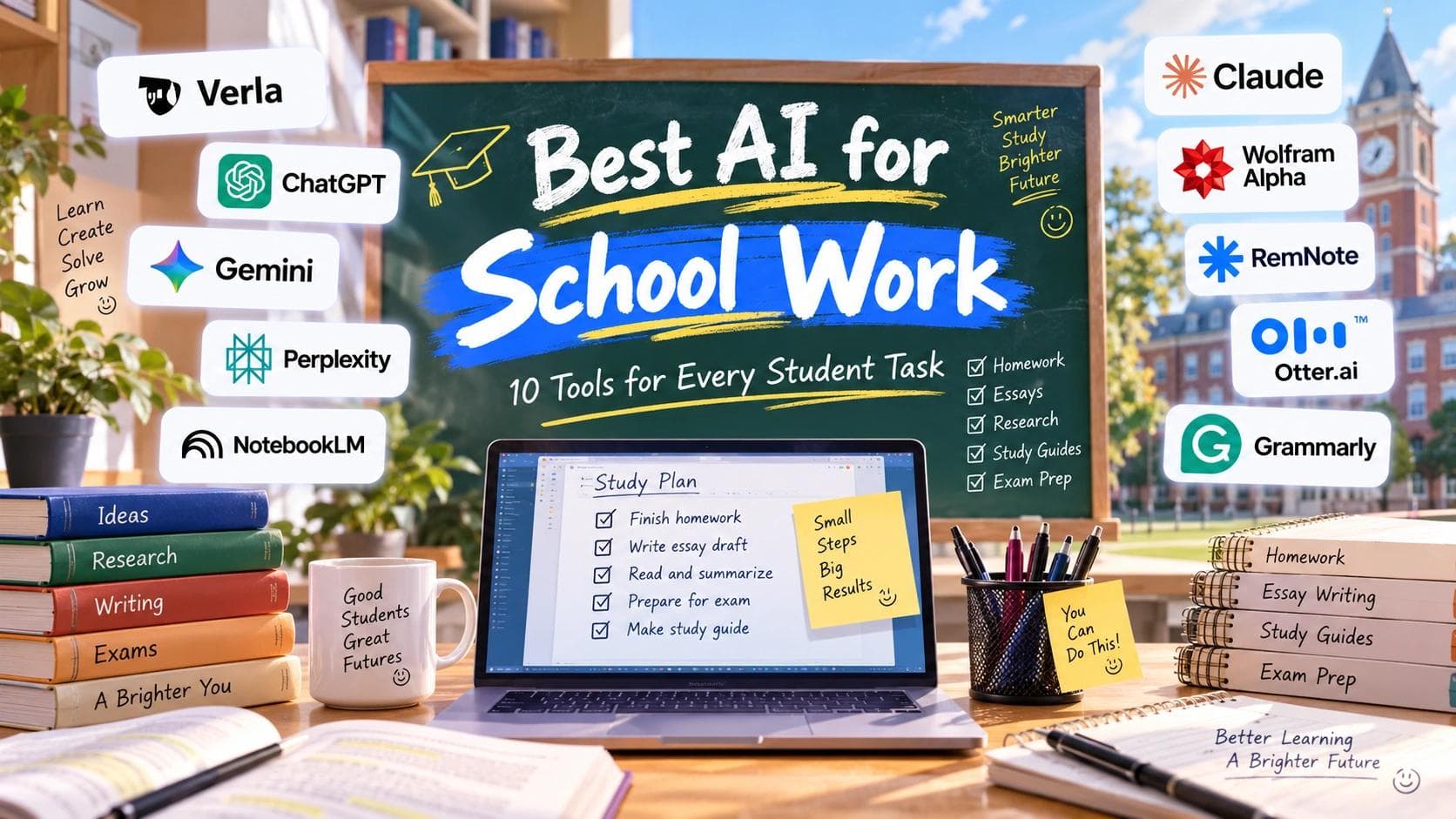
Finding the best AI for school work is not as simple as choosing the smartest chatbot. The tool that helps with a calculus problem may not be the best choice for researching an essay, understanding lecture notes, or preparing for an exam.
This guide compares AI tools for school by real student tasks, from completing assignments and finding reliable sources to reviewing PDFs and studying for finals. The goal is simple: help you choose the right AI for the work in front of you.
Best AI for School Work: Quick Picks by Task
You probably do not need ten student AI tools or subscriptions. Start with the task that takes up the most time in your school day, then add another tool only when it solves a problem your current setup cannot.
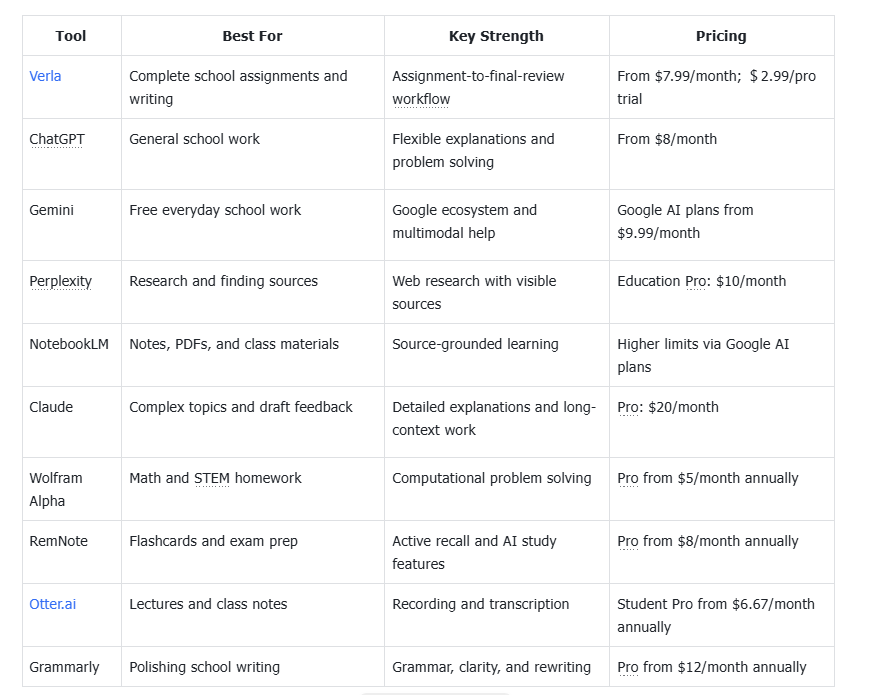
Prices can vary by region, billing cycle, and promotional offers. Pricing information was checked in September 2026.
1. Verla: Best AI for Complete School Assignments and Writing
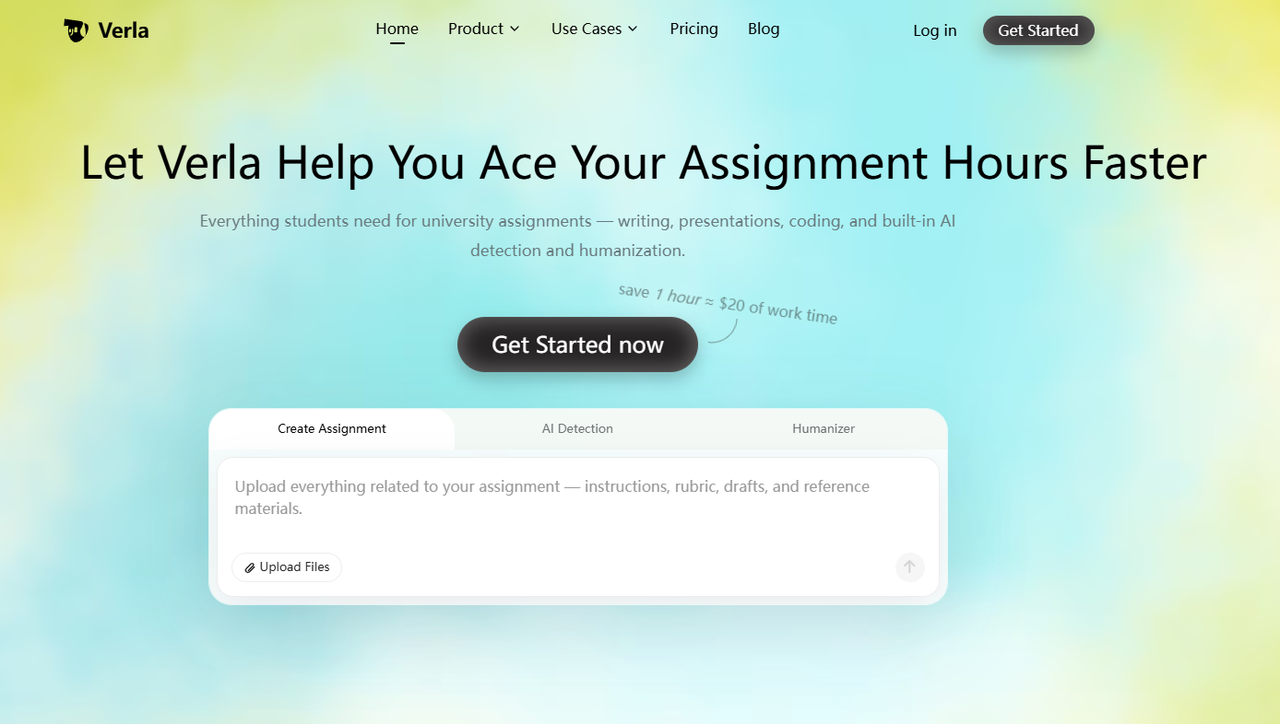
A school assignment rarely begins with one clean prompt. You may have a rubric, lecture slides, required readings, formatting instructions, and reference requirements to deal with before you even start writing. Managing all of that through a general chatbot can quickly turn into a chain of prompts and separate tools.
Verla AI Academic Assitant is built around this broader assignment workflow. Students can work from instructions and uploaded course materials, create writing, presentation, or coding outputs depending on their plan, and then review their work with AI Detection and AI Humanizer. For students comparing the best AI for school writing or best AI for school essays, its main advantage is that writing sits inside a larger assignment workflow rather than functioning as a standalone text generator.
Pros
Built around complete school assignments
Works with instructions, rubrics, and uploaded course materials
Combines assignment creation, AI detection, and humanization
Supports writing, PPT, and coding outputs on eligible plans
Cons
No permanent free plan
More than you need for a simple homework question
Pricing:
Pro Trial: $2.99 for 7 days
Basic: $7.99/month
Plus: $15.99/month
Pro: $31.99/month
2. ChatGPT: Best AI for School Work Overall
Not every school problem needs a specialized app. Sometimes you simply want someone to explain why an answer is wrong, simplify a difficult concept, brainstorm project ideas, review an outline, or create a few practice questions before a quiz.
ChatGPT works well for this because of its flexibility. You can ask follow-up questions and change the depth of an explanation until something makes sense. Among the best AI tools for students, it stands out as a broad conversational assistant that can cover many subjects without requiring a different app for every task.
Pros
Useful across many subjects and school tasks
Strong conversational explanations and follow-up questions
Good for brainstorming, planning, and problem solving
Free access available
Cons
Important facts and citations still need verification
Structured assignments can require more prompting and organization
Pricing:
Free: $0
ChatGPT Go: $8/month in the U.S.
ChatGPT Plus: $20/month
ChatGPT Pro: from $100/month
For most students, Free, Go, or Plus will be much more relevant than Pro.
3. Gemini: Best Free AI for School Work
If you are searching for the best free AI for school work, a general tool that can handle several everyday tasks is a sensible place to start. Gemini can help explain concepts, summarize material, brainstorm ideas, work with multimodal inputs, and assist with writing.
Its bigger advantage for many students is the Google ecosystem. If your school life already revolves around Docs, Drive, Gmail, and other Google products, Gemini can fit naturally into that existing workflow. This also makes it one of the best free AI tools for students who want broad everyday help without immediately adding another subscription.
Pros
Capable free access for everyday school tasks
Useful for writing, explanations, and multimodal questions
Fits well with Google's broader ecosystem
Good option for students who do not want another paid study app
Cons
Generated information still requires fact-checking
Specialized academic tasks may be better handled elsewhere
Pricing:
Gemini: Free
Google AI Plus: $9.99/month
Google AI Pro: $19.99/month
These are Google AI subscription plans rather than standalone Gemini subscriptions. Pricing and availability can vary by region.
4. Perplexity: Best AI for School Research and Finding Sources
Research becomes frustrating when you have a topic but no idea which sources are worth opening. For essays, reports, and school projects, getting a quick answer is only half the job. You also need to know where the information came from.
Among AI research tools for students, Perplexity is useful at this discovery stage because it pairs answers with sources that you can inspect yourself. That gives it a different role from NotebookLM: Perplexity helps discover external information, while NotebookLM becomes more useful once you already have the materials you want to study.
Pros
Fast starting point for web research
Makes supporting sources easy to access
Useful for current information and fact-checking
Discounted plan designed for students and educators
Cons
A cited answer can still contain mistakes or weak sources
Less focused on completing an entire assignment
Pricing:
Standard: Free
Education Pro: $10/month with eligible student or educator verification
5. NotebookLM: Best AI for Notes, PDFs, and Class Materials
Sometimes you do not need more information from the internet. You already have too much of it. A professor may give you lecture slides, readings, PDFs, notes, and other materials, leaving you with a small mountain of files before an exam.
NotebookLM focuses on sources you provide. You can ask questions about your materials, explore connections, and turn dense content into more manageable study resources. This also makes it a useful option when comparing the best AI for study guides, especially when you want those study materials to stay grounded in your own readings, notes, and course files.
Pros
Strong for PDFs, notes, readings, and course materials
Source-grounded approach
Useful for reviewing and questioning class content
Free access available
Cons
Less useful for broad web discovery
Usage limits vary across plans
Pricing:
NotebookLM Standard: Free
Higher NotebookLM limits are available through eligible
Google AI paid plans
Google AI Plus: $9.99/month
Google AI Pro: $19.99/month
NotebookLM itself does not require a separate $9.99 or $19.99 subscription. Those prices refer to broader Google AI plans that provide higher NotebookLM limits.
6. Claude: Best AI for Explaining Complex Topics and Reviewing Drafts
Getting an AI-generated answer is not much help if you still do not understand why it is correct. Difficult readings, theories, long documents, and complicated arguments often need more than a short summary.
Claude is useful when you want to work through complex material or get detailed feedback on a longer draft. Unlike Perplexity, its main role here is not finding web sources. It works better as a best AI tool for students candidate when the main problem is understanding difficult material, reviewing reasoning, or discussing a draft in depth.
Pros
Good for explaining difficult concepts
Useful with longer documents and substantial context
Strong for detailed feedback on drafts
Supports iterative follow-up questions
Cons
Not a dedicated citation-verification tool
Free usage limits can become restrictive for frequent use
Pricing:
Free: $0
Claude Pro Monthly: $20/month
Claude Pro Annual: $200/year, about $17/month
Claude Max: from $100/month
For most students, the Free or Pro plan is much more relevant than Max.
7. Wolfram Alpha: Best AI Tool for Math and STEM Homework
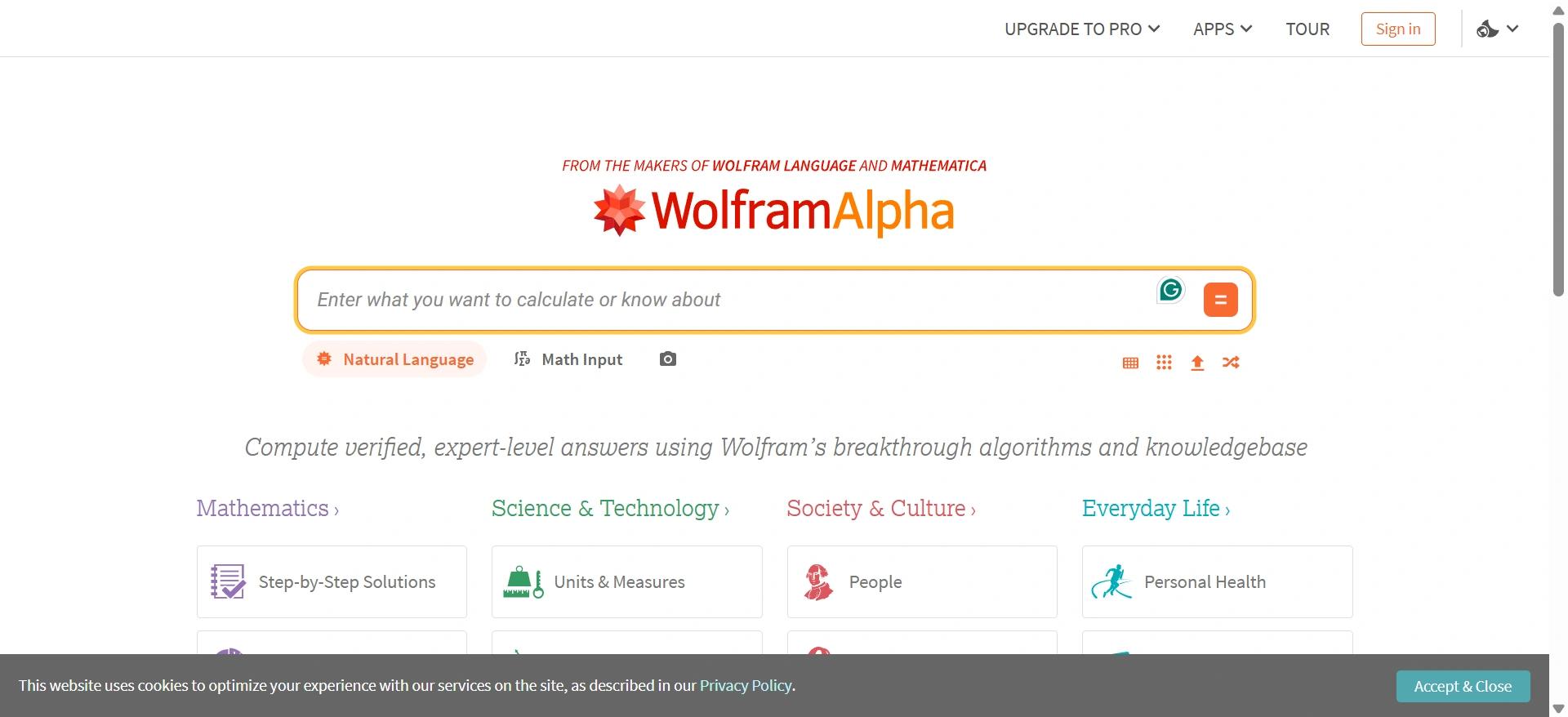
For math and STEM homework, a confident paragraph from a general chatbot is not always what you need. Algebra, calculus, statistics, physics, and other quantitative subjects depend on correct calculations and structured problem solving.
Wolfram Alpha is built around computation rather than general conversation. For students looking for the best AI for homework answers, its real value is not simply producing the final number. Paid plans add step-by-step solutions and practice features that can help you understand how the result was reached.
Pros
Strong mathematical and computational capabilities
Useful across many STEM subjects
Step-by-step solutions available with Pro
Includes practice problems and guided calculators
Cons
Much less useful for essays and general writing
Step-by-step solutions are not included with Basic
Pricing:
Basic: Free
Pro Monthly: $9.99/month
Pro Annual: $5/month, billed $60/year
Pro Premium Monthly: $12/month
Pro Premium Annual: $8.25/month, billed $99/year
For students who use Wolfram Alpha regularly, the annual Pro plan offers a much lower effective monthly price than paying month to month.
8. RemNote: Best AI for Flashcards and Exam Prep
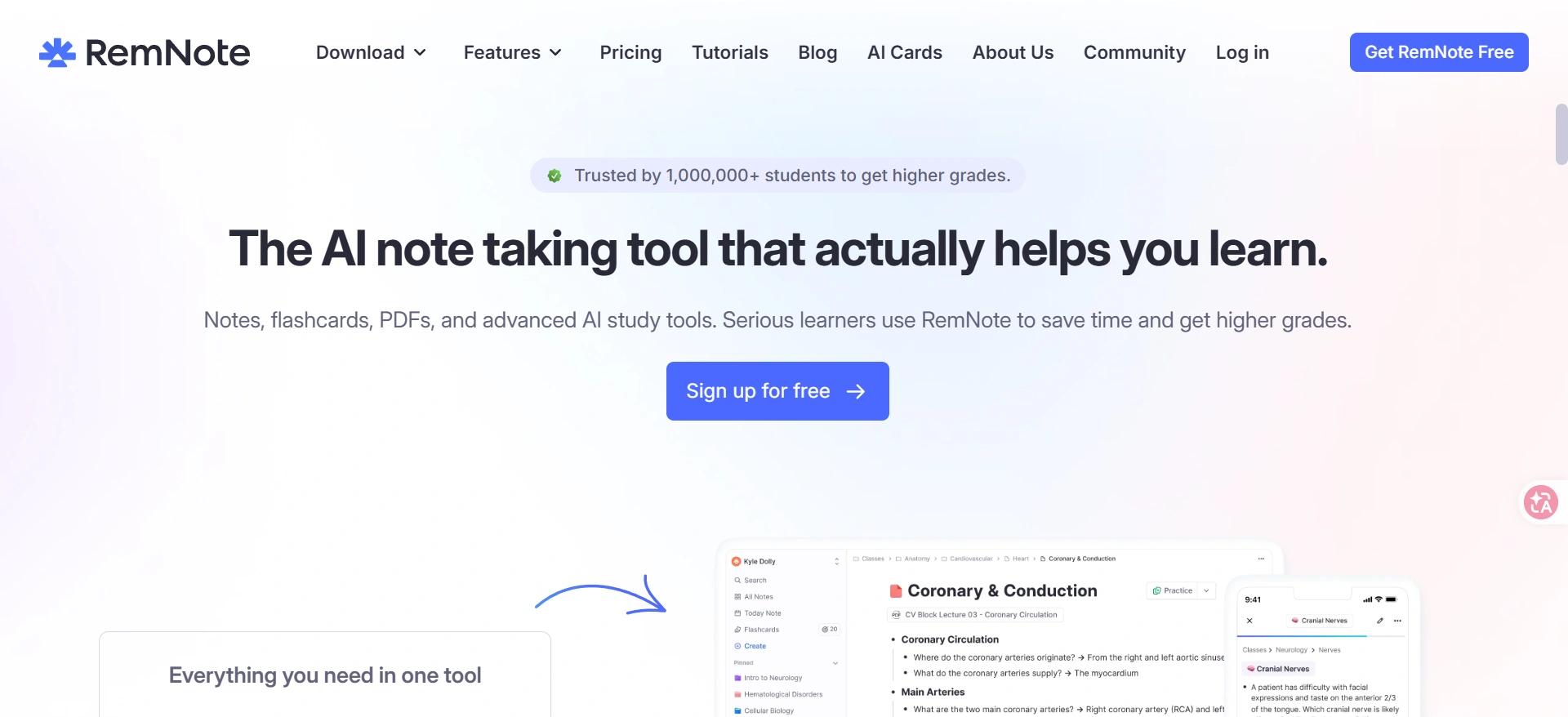
Understanding your notes once does not mean you will remember them during an exam. When the goal shifts from understanding material to retrieving it from memory, active recall and repeated practice become more useful than rereading the same pages.
RemNote combines notes and flashcards with spaced repetition and AI study features. That makes it one of the more useful best AI study apps candidates for active recall and a strong option for students searching for the best AI for studying for exams. NotebookLM can help you understand your source material first, while RemNote is better suited to turning that knowledge into repeated practice.
Pros
Combines notes and spaced-repetition flashcards
Useful for active recall and long-term retention
AI can generate flashcards, quizzes, and study materials
Free plan available
Cons
AI features use a credit-based system
More setup than simply asking a chatbot a question
Pricing:
Free: $0
Pro: $8/month, billed $96/year
Pro with AI: $18/month, billed $216/year
Pro includes 1,000 AI credits
Pro with AI includes 20,000 AI credits
If exam prep is only one part of your study routine, our guide to the best study apps for college students also covers organization, note-taking, memorization, productivity, and focus.
9. Otter.ai: Best AI for Recording Lectures and Creating Notes
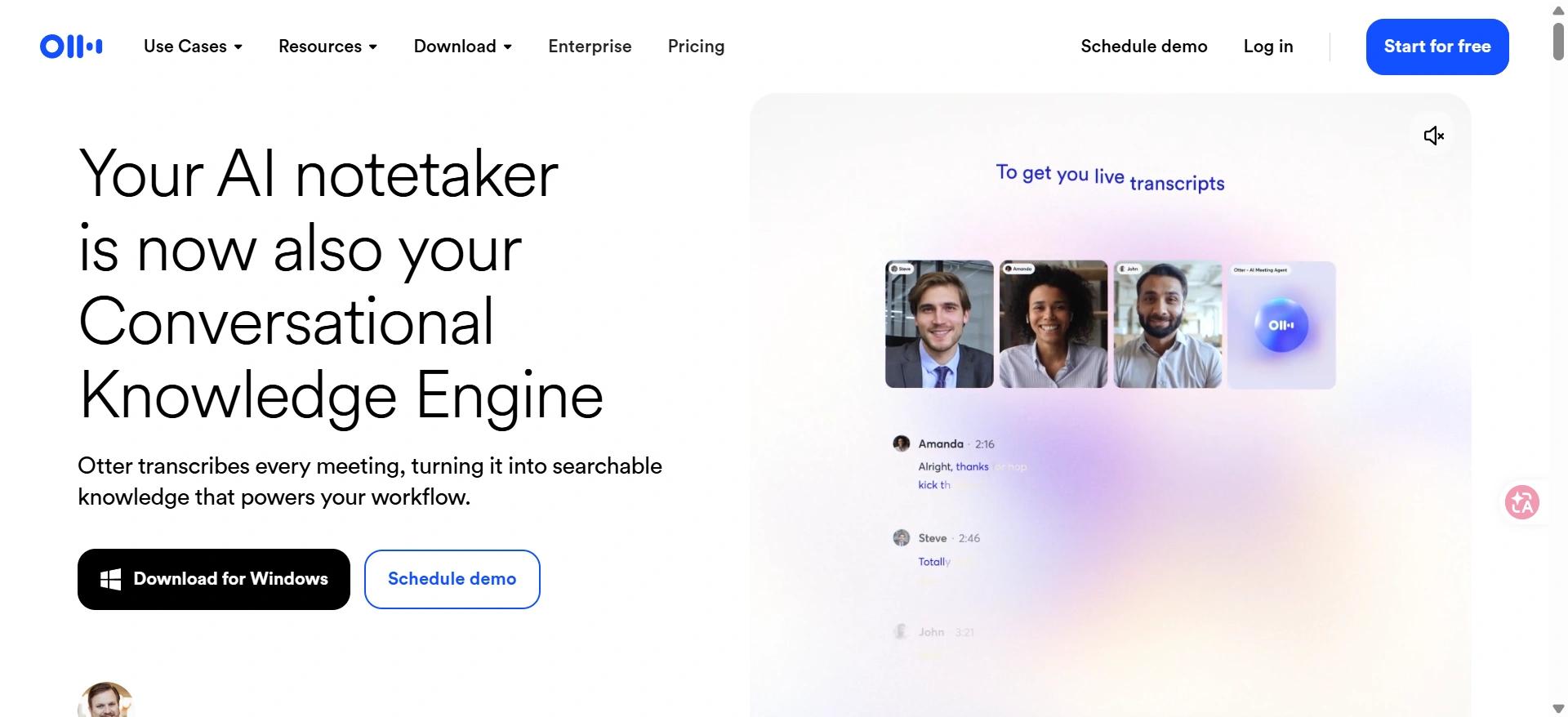
Sometimes the problem begins before studying even starts. Trying to listen, understand, and write down everything a professor says at the same time can leave gaps in your notes.
Among AI apps for school, Otter.ai solves a particularly practical problem by recording and transcribing spoken content into searchable text. It can fit into a simple study chain: Otter captures the lecture, NotebookLM helps you work through the material, and RemNote turns the important parts into active review.
Pros
Live recording and transcription
Searchable lecture transcripts
Useful for reviewing classes later
Student and teacher discount available
Cons
Accuracy can depend on audio quality and technical terminology
Free usage has transcription limits
Pricing:
Basic: Free
Pro Monthly: $16.99/month
Pro Annual: $8.33/month when billed annually
Student & Teacher Pro Monthly: $13.59/month
Student & Teacher Pro Annual: $6.67/month, billed $79.99/year
The education discount makes Otter considerably more affordable if lecture transcription is something you use regularly.
10. Grammarly: Best AI for Polishing School Writing
If your draft is already finished, you may not need another AI to generate more content. The remaining problems may be smaller: awkward sentences, grammar mistakes, unclear wording, or a tone that does not fit the assignment.
Grammarly is one of the best AI writing tools for students who already have a draft and mainly need help with grammar, clarity, tone, and rewriting. Its role is narrower than Verla's: Grammarly focuses on polishing existing writing, while Verla covers more of the workflow from assignment requirements and course materials through writing, AI detection, and humanization.
Pros
Easy grammar and spelling corrections
Useful clarity and tone suggestions
Full-sentence rewriting available with Pro
Free version available
Cons
Limited value for research or subject-specific homework
Pro can be expensive for occasional proofreading
Pricing:
Free: $0
Pro Monthly: $30/month
Pro Quarterly: $60 every 3 months
Pro Annual: $144/year, equivalent to $12/month
The free version is enough for basic proofreading, while Pro makes more sense for students who regularly need rewriting and advanced writing assistance.
Conclusion
The best AI for school work depends on where you are stuck. The most useful student AI tools are not necessarily the ones with the most features, but the ones that solve a specific problem, whether that is research, math, writing, lecture notes, or exam prep.
For larger assignments, Verla connects more of the workflow in one place: assignment requirements → course materials → draft → AI Detection → AI Humanizer → final review. Instead of collecting more AI apps, choose the smallest set of tools that solves the school-work problems you actually face.