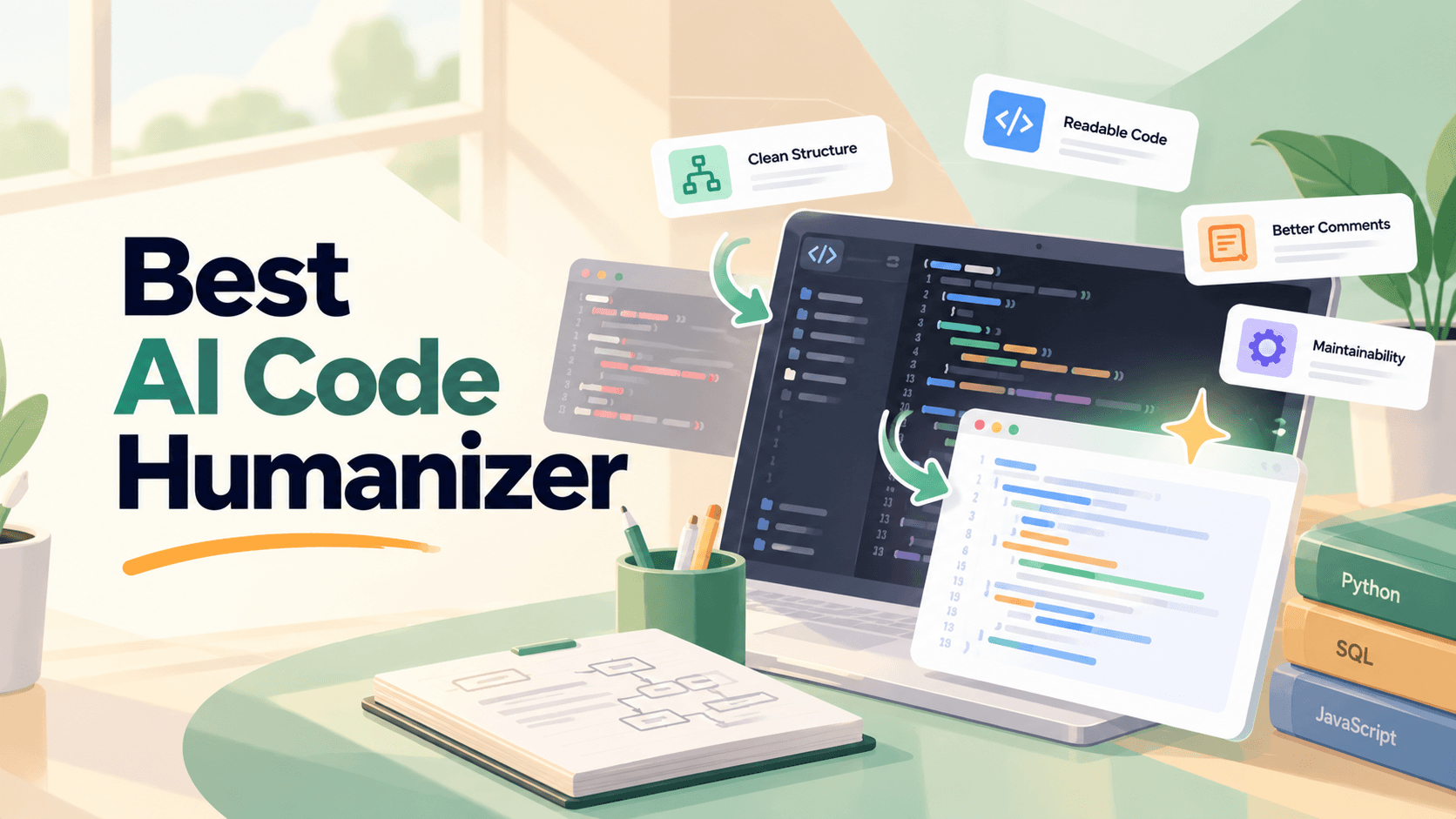
Your code runs, but it still needs work. Variable names are unclear, comments repeat what the code already says, and some functions are unnecessarily complicated. An AI code humanizer can help improve readability and structure, but not every tool is designed to rewrite code directly.
This guide compares four AI code humanizer tools and alternatives for college students: Verla, AICodePlag, GitHub Copilot, and Cursor. We'll cover their features, free access, pricing, and limitations, along with practical ways to improve Python, SQL, and other programming assignments without changing how your code works.
AI Code Humanizer Tools at a Glance
Tool | Best For | Key Features | Starting Price |
Verla | Academic coding projects and written explanations | Assignment context, file uploads, coding-related analysis, writing revision | $2.99/7-day Pro trial |
AICodePlag | Humanizing pasted code snippets | Code refactoring, language selection, style controls, side-by-side output | Free |
GitHub Copilot | Improving code readability inside an editor | Code suggestions, refactoring, Copilot Chat, code review | Free; Pro $10/month |
Cursor | Refactoring code across project files | Codebase analysis, AI Agent, file editing, terminal commands | Free; Plus $8/month |
These tools serve different purposes. AICodePlag focuses on rewriting existing snippets, while GitHub Copilot and Cursor support code editing within development environments. Verla is better suited to the academic context surrounding coding assignments, including planning, documentation, and written explanations.
If you're comparing the best AI code assistants for college students, consider whether you need to improve a short function, work across an entire repository, or explain your programming decisions in an assignment.
What Is an AI Code Humanizer?
An AI code humanizer is a tool that helps make AI-generated or existing code more readable, consistent, and maintainable. It may adjust variable names, simplify logic, reorganize functions, improve formatting, or rewrite comments to follow common programming conventions.
However, humanizing code is different from humanizing an essay. A text humanizer focuses on wording and tone, while a code humanizer must preserve executable behavior. Changing a single condition, variable reference, or function signature can introduce errors even when the revised code looks cleaner.
Common improvements include:
Variable naming: Replace unclear names with descriptive identifiers.
Code structure: Simplify unnecessary nesting and repetitive logic.
Formatting: Apply consistent indentation and spacing.
Comments: Remove obvious explanations and document important decisions.
Maintainability: Make functions easier to understand, test, and modify.
For college projects, the goal should be code you can understand and explain, not simply code that appears less AI-generated. Always follow your course's AI-use requirements and verify changes through testing.
4 Best AI Code Humanizer Tools and Alternatives
Verla: Best for Academic Coding Projects and Written Explanations
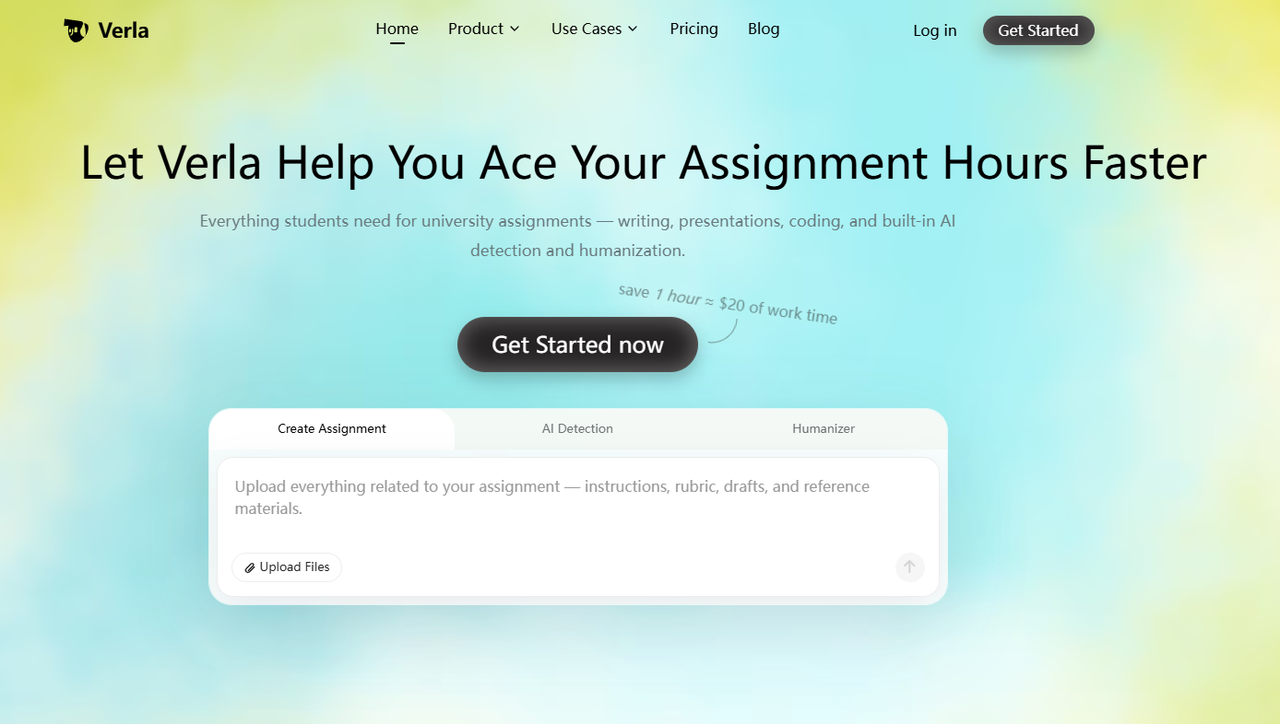
Verla's Academic Assistant helps students work with assignment instructions, grading rubrics, research notes, datasets, and supporting files. It supports coding-related academic tasks alongside writing and research, making it useful for programming assignments that require both an implementation and an explanation of the approach.
For example, a Python project may require a working program, a description of the algorithm, and a report discussing the results. Verla can help organize these requirements and improve the accompanying documentation. Students preparing a technical report may also benefit from the same structured approach used in research paper writing, where explanations need to connect methods, evidence, and conclusions.
Key Features:
Upload assignment instructions, rubrics, and reference materials.
Organize coding-related academic tasks and supporting explanations.
Develop structured reports and project documentation.
Review written explanations for clarity and consistency.
Access AI Detection and AI Humanizer for text-based assignments.
Pros:
Supports assignment-specific academic workflows.
Combines coding-related assistance with writing and research.
Useful for project documentation and technical explanations.
Helps students work from their actual course requirements.
Cons:
Not a dedicated code-refactoring editor.
Text Humanizer is not designed to validate executable code.
Usage and file allowances depend on the subscription.
Price:
Pro Trial: $2.99 for 7 days; automatically renews at $79.99/month unless canceled.
Basic: $19.99/month, including 3 assignment generations and up to 5 files per assignment.
Plus: $39.99/month, including 8 assignment generations and up to 10 files per assignment.
Pro: $79.99/month, including 16 assignment generations and unlimited file uploads per assignment.
Annual plans: Start at $7.99/month equivalent, billed annually.
Verla works best alongside a code-aware editor when the project requires executable changes. Its AI Humanizer can improve a README or project report, but code refactoring should still be reviewed through diffs and tests.
AICodePlag: Best for Humanizing Pasted Code Snippets
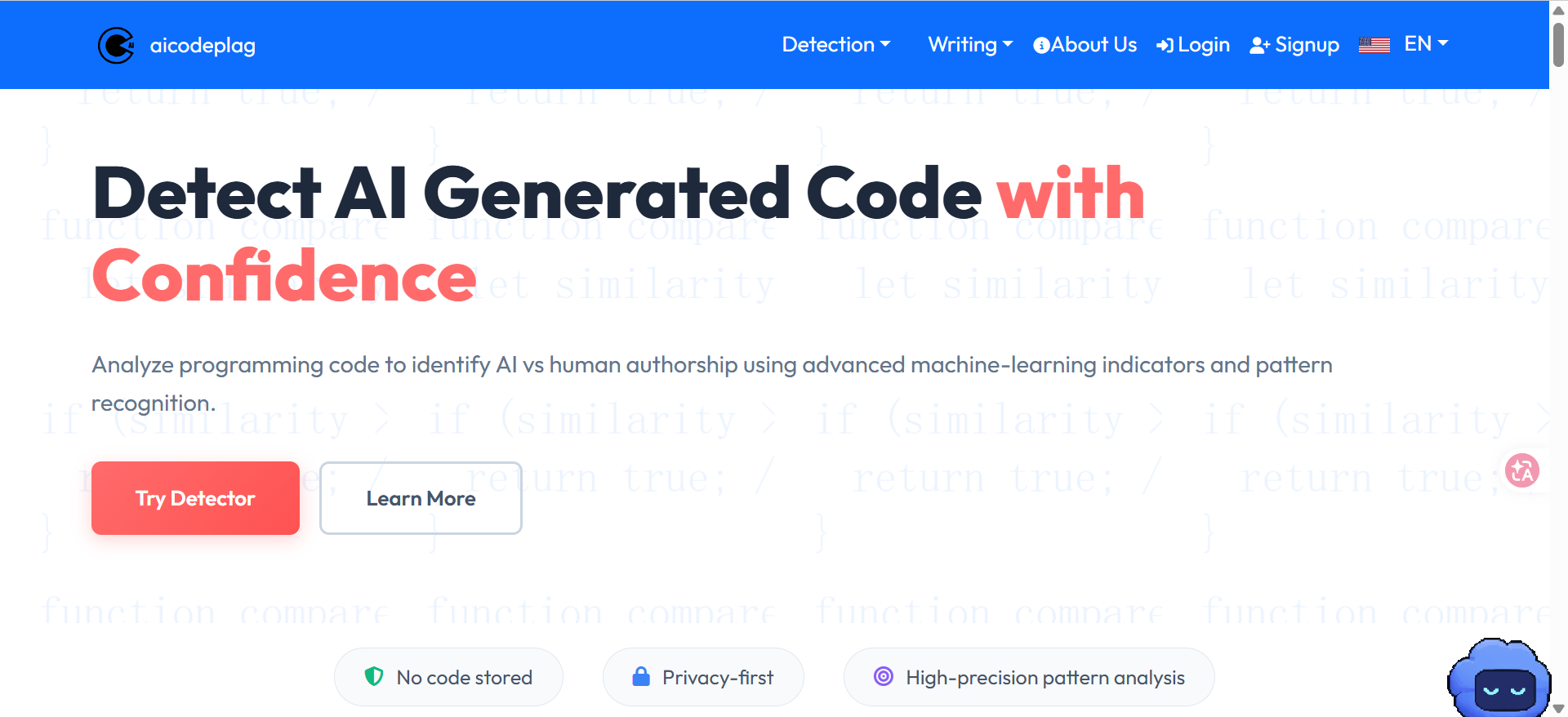
AICodePlag offers a dedicated AI Code Humanizer for rewriting existing code. Students can paste a snippet, select the programming language, choose an available processing mode, and review the transformed output.
Its Free Mode focuses on basic structural improvements, while Advanced Mode uses an LLM-based workflow for more contextual rewriting. Advanced Mode also provides additional style controls, including Professional, Casual, Expanded, and Minified. This makes AICodePlag useful for isolated functions that need clearer naming, formatting, or comments.
Key Features:
Free and Advanced code-humanizing modes.
Support for common programming languages.
Code structure and naming improvements.
Advanced style customization.
Before-and-after code comparison.
Pros:
Free Mode requires no account.
Supports up to 10,000 characters per free submission.
Free Mode supports 8 programming languages.
Advanced Mode expands support to 15 languages.
Simple browser-based workflow.
Cons:
Free Mode lacks advanced style controls.
Advanced Mode has a smaller character limit.
Pasted snippets may lack important project context.
Generated changes still require testing.
Price:
Free Mode: $0, with unlimited basic humanizations and a 10,000-character limit per submission.
Advanced Mode: 40 action credits per 30-day period, with a 5,000-character limit per submission.
AICodePlag is particularly convenient for small code revisions, but it shouldn't replace testing in your actual development environment. A function may look cleaner while breaking references or assumptions elsewhere in the project.
GitHub Copilot: Best for Improving Code Readability in an Editor
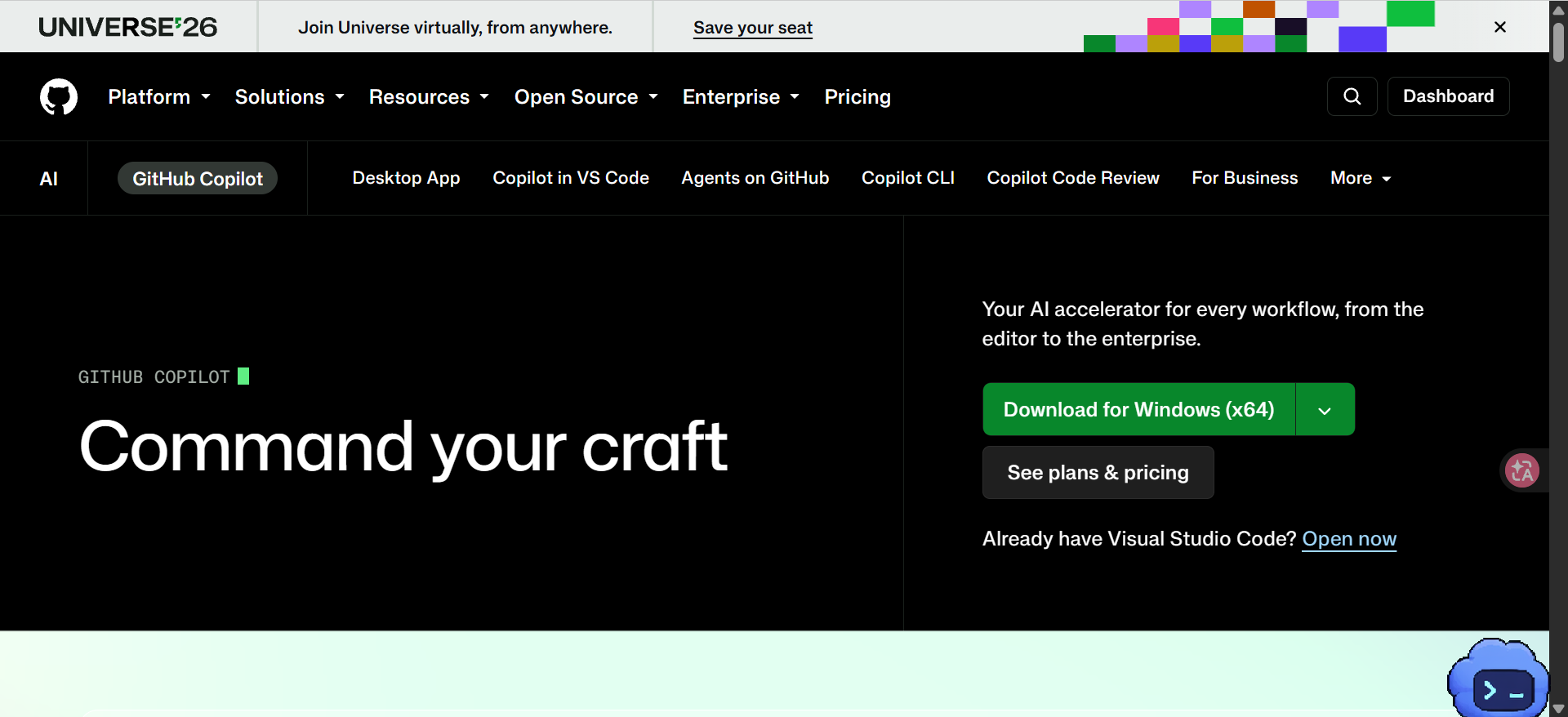
GitHub Copilot is an AI coding assistant that works inside supported editors and development environments. Instead of pasting code into a separate website, students can select existing code and ask Copilot Chat to improve naming, simplify logic, or explain unfamiliar sections.
This is useful when editing Python, JavaScript, or other programming assignments within an existing project. For example, you can ask Copilot to simplify a function while preserving its return values and error handling. You can then review the suggested changes directly in the editor.
Key Features:
AI code suggestions and inline completions.
Chat-based code explanations and refactoring.
Support for popular editors and IDEs.
Agent-based coding workflows.
Code review features on eligible plans.
Pros:
Works within existing development environments.
Useful for targeted code improvements.
Supports multiple programming languages.
Free plan available.
Verified students may qualify for student access.
Cons:
AI suggestions can introduce bugs.
More complex refactoring may require several iterations.
Chat and agent usage are subject to plan allowances.
Students must still understand the generated changes.
Price:
Free: $0, including 2,000 code completions per month and limited chat and agent usage.
Pro: $10/month per user, including unlimited code completions and $15 in monthly AI credits.
Pro+: $39/month per user, including $70 in monthly AI credits and access to additional premium models.
Max: $100/month per user, including $200 in monthly AI credits for heavier agent workflows.
GitHub Copilot is a practical choice when you want to improve specific sections without moving code between tools. However, a successful refactor still depends on reviewing the diff and running the relevant tests.
Cursor: Best for Refactoring Code Across Project Files
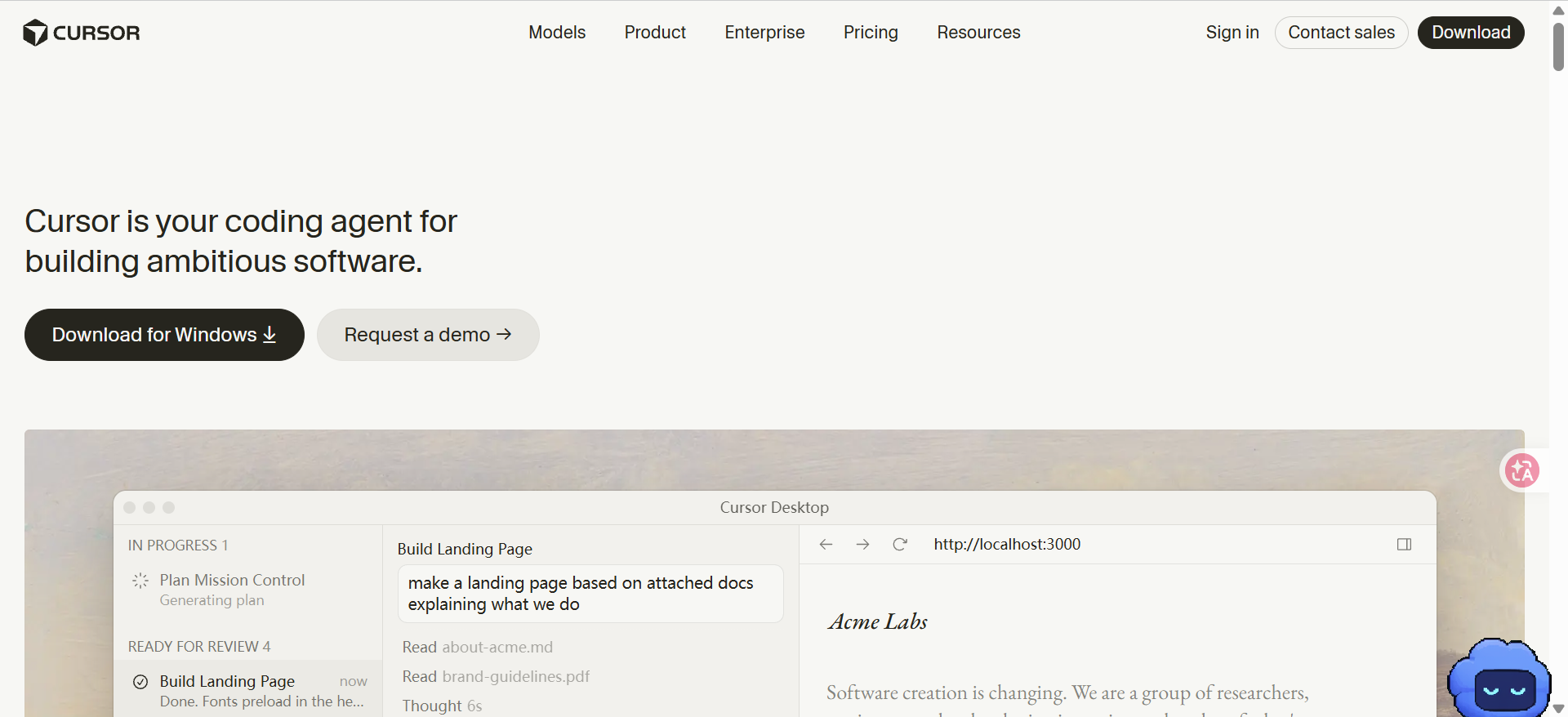
Cursor is an AI-powered coding environment that can analyze project files, suggest edits, and perform multi-file changes through its Agent. Unlike a snippet-based humanizer, Cursor can work with the surrounding codebase, making it useful when a change affects several related functions or files.
For example, renaming a helper function may require updating imports, references, and tests throughout a project. Cursor can help coordinate these changes and run available terminal commands. Students working on larger programming assignments may find this more practical than editing each file independently.
Key Features:
AI-assisted codebase search and analysis.
Agent-based file editing.
Multi-file refactoring support.
Terminal access for running checks.
Project instructions and coding conventions.
Pros:
Works with project-wide context.
Useful for coordinated changes across files.
Supports code editing and terminal workflows.
Can help identify related dependencies.
Free entry-level access.
Cons:
Broader changes require careful review.
Free AI usage is limited.
Third-party models may incur additional usage charges.
Agent-generated tests may miss important edge cases.
Price:
Free: $0, with limited agent and chat requests.
Plus: $8/month, including a basic shared AI usage pool and access to supported Grok models.
Premium: $30/month, including four times the Plus usage allowance and access to third-party models billed separately.
Super: $100/month, including fifteen times the Plus usage allowance.
Ultra: $200/month, including fifty times the Plus usage allowance.
Cursor is particularly useful for projects with multiple files and dependencies. Before accepting agent-generated changes, review the modified files and confirm that the implementation still meets your assignment requirements.
How to Humanize AI Code Without Changing Its Behavior
Improving code readability is useful only if the program still works as intended. Whether you're using an AI Python code humanizer or a full coding assistant, the safest approach is to make specific changes and verify them before continuing.
Follow these five steps:
Save the original code. Create a backup or Git commit so you can compare and restore the original version.
Identify readability problems. Look for unclear names, duplicated logic, unnecessary nesting, and low-value comments.
Request targeted improvements. Specify what should change and what must remain unchanged.
Review the differences. Check function signatures, conditions, data types, and dependencies.
Run relevant tests. Verify normal inputs, boundary cases, exceptions, and expected outputs.
For students preparing a graded programming project, the final review should also cover the assignment instructions. Verla can help organize the written requirements and supporting explanation, while a code-aware tool handles implementation changes.
Use a Clear Prompt for Code Refactoring
A vague request such as "make this code more human" doesn't tell the assistant what quality improvements you actually need. A more specific prompt helps limit unnecessary changes.
Example Prompt:
Refactor the following Python function to improve readability and maintainability. Use descriptive variable names, remove unnecessary comments, and simplify confusing logic where appropriate. Preserve the original function signature, return values, exceptions, and side effects. Explain each change and suggest tests for normal and edge-case inputs.
This approach is useful because it focuses on observable improvements rather than attempting to imitate a particular developer's writing style. You can adapt the prompt for JavaScript, Java, SQL, or other supported languages.
Check Python and SQL Code Differently
Python and SQL have different execution models, so the same refactoring checklist won't work for both. Python revisions often involve functions, types, exceptions, and side effects, while SQL changes may affect joins, filtering, aggregation, and result sets.
Code Type | What to Check |
Python functions | Return values, input types, exceptions, and side effects |
Python loops | Iteration order, boundary conditions, and empty inputs |
SQL JOINs | Matching conditions, unmatched rows, and duplicate records |
SQL aggregation | GROUP BY behavior, NULL values, and calculated totals |
Multi-file projects | Imports, function calls, dependencies, and tests |
For example, moving a condition from ON to WHERE in a SQL query involving an outer join may change the resulting rows. A rewritten query can look more readable without producing equivalent results.
Similarly, a Python refactor that replaces several conditional statements with a shorter expression may accidentally change how the program handles empty inputs or unexpected values. Always test behavior, not just formatting.
Improve Comments and Documentation
Good comments explain decisions, assumptions, and limitations. They shouldn't repeat obvious operations or invent a personal development history. For example, a comment explaining why a particular algorithm was chosen is more useful than one stating that a loop iterates through a list.
When a programming assignment also requires a README or technical report, Verla's writing tools can help refine the explanation. The same principles used when humanizing AI-generated content apply to documentation: remove repetitive wording, improve clarity, and preserve technical accuracy.
AI Code Humanizer vs. AI Detector: What's the Difference?
An AI code humanizer changes code structure, naming, formatting, or comments. An AI detector attempts to identify patterns that may be associated with AI-generated content. These tools have different purposes, and neither can independently verify that a program is correct.
Feature | AI Code Humanizer | AI Detector |
Main purpose | Improve code readability and structure | Estimate possible AI-generated patterns |
Typical input | Source code | Code or text, depending on the detector |
Output | Revised code | Detection feedback or scores |
Verifies functionality? | No | No |
Proves authorship? | No | No |
The distinction is similar to the one between AI Humanizers and AI Detectors for written assignments. Rewriting content doesn't prove who created it, and a detector score doesn't establish authorship.
For college programming projects, focus on whether you understand the code, can explain your decisions, and have followed your institution's AI-use requirements.
Conclusion
The best AI code humanizer depends on what you need to improve. AICodePlag offers a simple workflow for pasted snippets, GitHub Copilot supports targeted changes inside an editor, and Cursor is better suited to refactoring across project files.
Verla serves a different but useful role for students: organizing academic requirements, supporting coding-related explanations, and improving project documentation. Combined with a code-aware editor, it can help students manage both the technical implementation and the written parts of an assignment.