
An AI essay writer can help at different points: turning a prompt into a starting draft, building a source-backed argument, or revising a document already in progress. Before choosing, consider your rubric, citation needs, file inputs, export options, and how much review you can do yourself.
I compare task fit, plan limits, and source handling; a feature list cannot show whether a draft is accurate or assignment-ready.
Quick Comparison: Which AI Essay Writer Fits Your Task?
Product | Best fit | Price/free information |
Verla | Rubric, files, sources, writing and review | $2.99 trial; plans from $19.99/month |
Caktus | Essay drafts, source search, export | $30/month or $180/year; 1-day trial |
NoteGPT AI Essay Generator | Configurable topic/file drafts | Free access; plans from $9/month |
MyEssayWriter.ai | Rubric, sources, citations, Word | Free 1,500 words/month; paid $9.99–$24.99/month |
Paraphraser.io Essay Writer | Prompt-to-draft and download | Free essay tool; Gold $9.55/month |
PerfectEssayWriter.ai | Essay settings and checks | Free 5,000 words/month; paid from $11.99/month |
IvyPanda AI Essay Generator | Short brief and paragraph controls | Free generator |
Yomu AI | Document editing and source management | Annual: Pro $10/month; Ultra $17/month |
EssayFlow | Draft and detector score | Limited free; Basic $17.98–$27.98/month shown |
For a materials-first workflow, compare Verla’s academic writing tools with narrower generators. Check your assignment, course policy, and current account limits.
How We Compared AI Essay Writers
I compared each tool on three practical points:
Inputs and workflow: topics, rubrics, files, and steps from draft to revision.
Writing support: sources, citations, editing, and export options.
Access: plan prices, free use, and usage limits.
This is a feature-and-plan comparison, not a controlled writing-quality test. For rubric- and course-material-based assignments, Verla Academic Assistant brings those materials into the writing workflow.
The 9 AI Essay Writers, Compared
Verla: A requirement-aware academic workflow
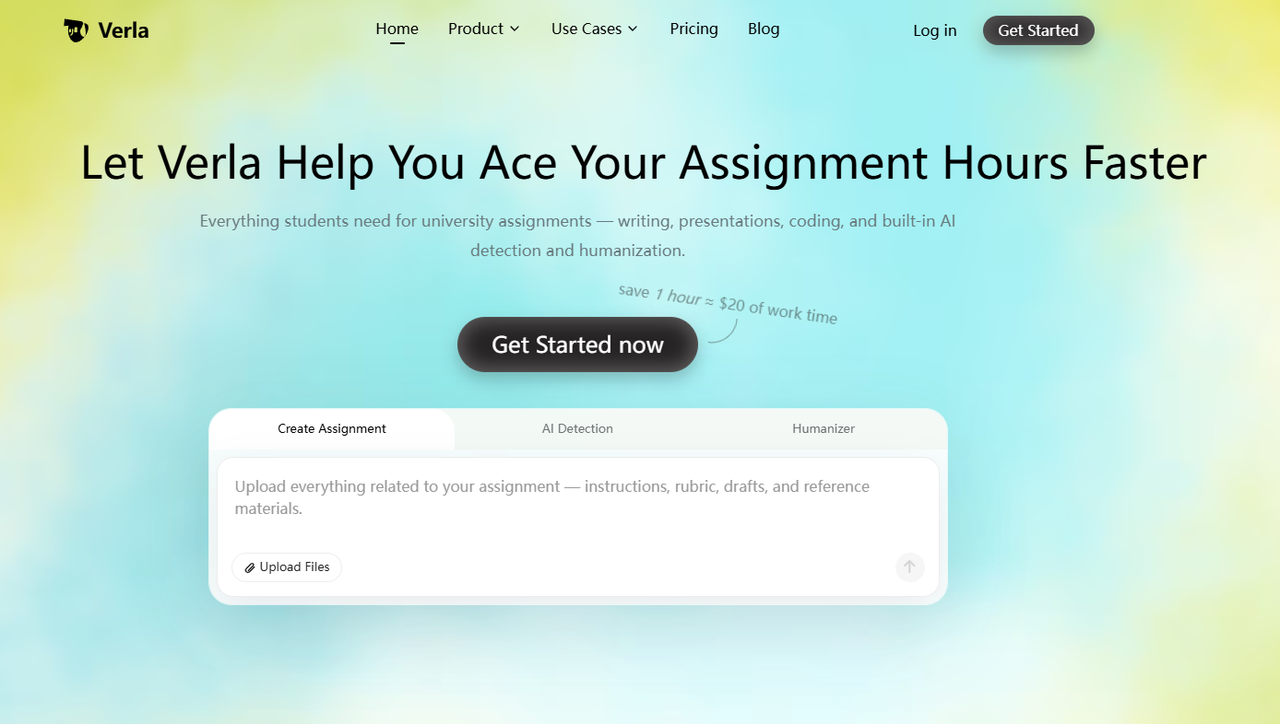
Start with a prompt, rubric, notes, PDF, book, or dataset, then plan, draft, find sources, edit, and review. The workflow also covers presentations and coding assignments, with exports beyond essay documents.
This suits students who want course context and draft review together. AI detection and Humanizer tools can support revision, but a detector score cannot establish authorship. See Verla’s guide to revising only passages that need attention.
Pros:
Starts from prompts, rubrics, and course materials.
Combines source support, drafting, editing, and review.
Covers assignment formats beyond essays.
Trial gives a small allowance to try the workflow.
Cons:
Not as famous as other tools
Price:
Pro trial: $2.99 for 7 days; one assignment, 3,000 detection words, and 1,000 Humanizer words. It then renews at $79.99/month unless canceled.
Monthly plans: Basic $19.99, Plus $39.99, Pro $79.99.
Caktus: Essay drafting with academic-source search
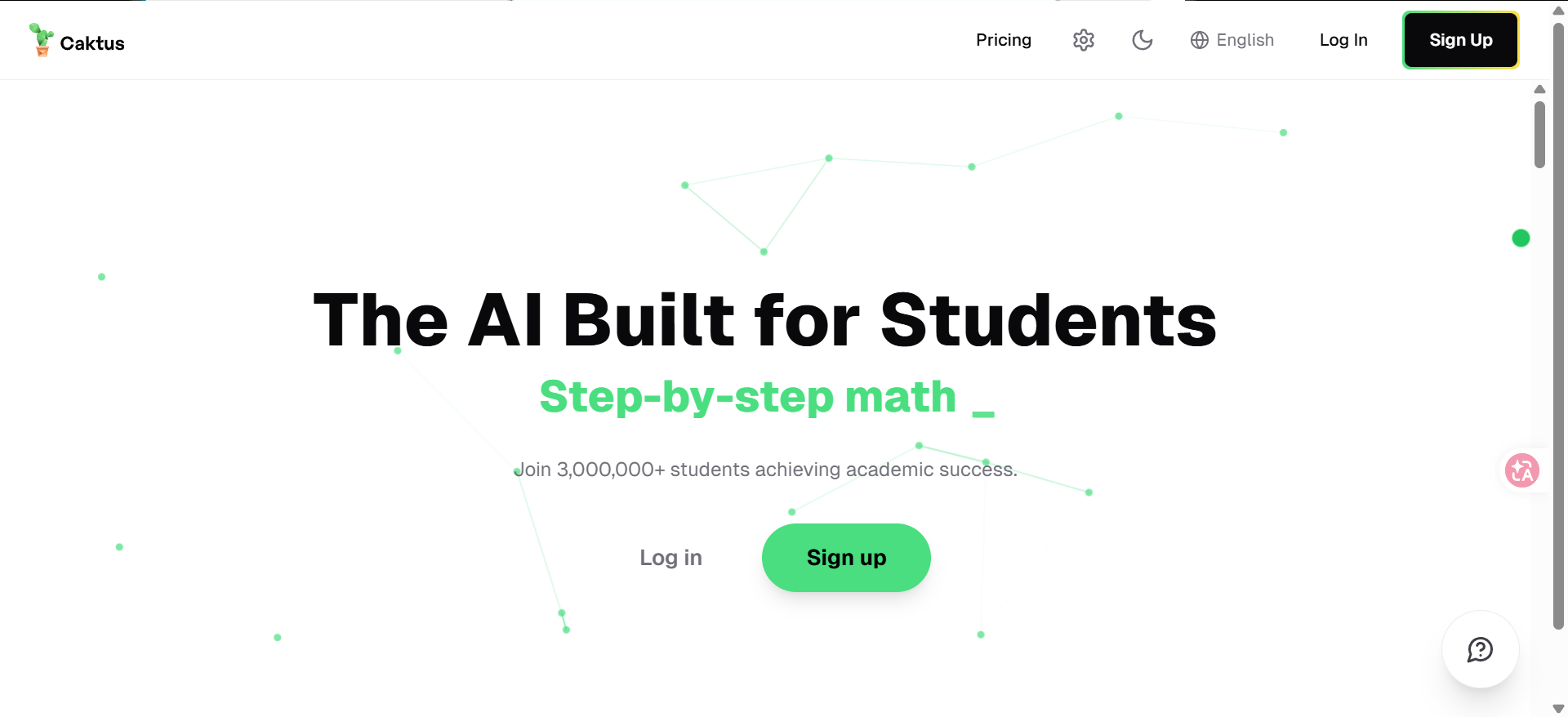
With Caktus, enter a topic, essay type, length, and optional files; search academic sources, generate a draft, and edit it. This suits students who know their assignment topic and want research inside the drafting process.
Word, PDF, and Markdown exports support editing elsewhere. Source search and drafting share a workspace, but verify each reference before citing it.
Pros:
Accepts essay type, length, and optional files.
Pairs draft generation with academic-source search.
Exports to Word, PDF, or Markdown for further editing.
Cons:
The free trial lasts one day.
Check each reference and generated claim.
Price:
$30/month or $180/year; all plans include full access.
A 1-day free trial is included; cancel before the next charge.
NoteGPT AI Essay Generator: Configurable drafts
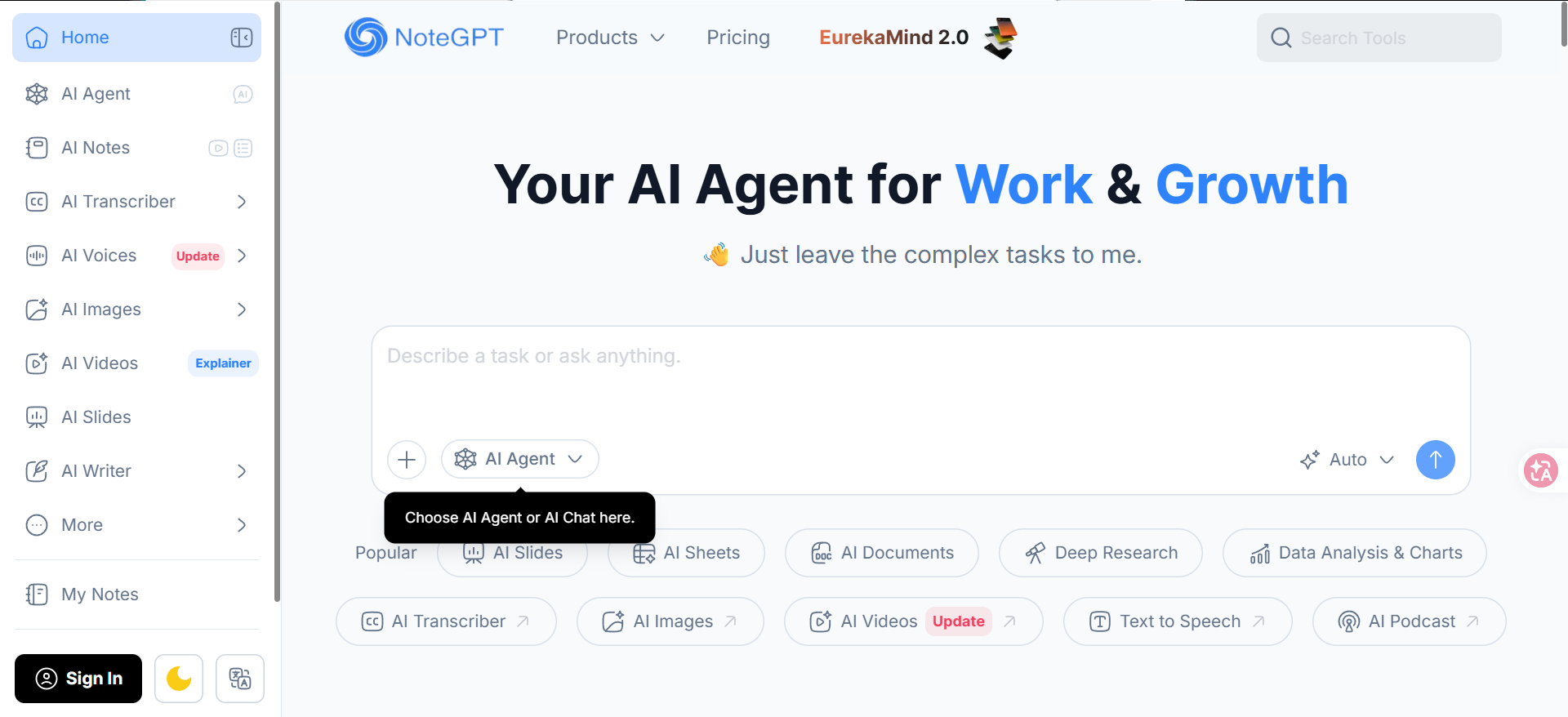
NoteGPT lets users set academic level, essay type, word count, and citation style, then draft from a topic or file. It is a practical fit when you have a defined brief and want to set the output format before generating.
Review citations and revise against your prompt; marketing claims do not show assignment quality. General platform plans do not specify essay quotas.
Pros:
Sets academic level, essay type, length, and citation style.
Accepts a topic or source file.
Offers a structured draft and broader research features.
Cons:
Essay-specific quotas are not separated from platform limits.
Check the suggested sources and citations before using them.
Price:
Pro: $9/month; Unlimited: $19.92/month; Max: $69/month.
Listed quotas cover the wider platform, so essay use can be hard to estimate.
MyEssayWriter.ai: Rubric settings and Word export
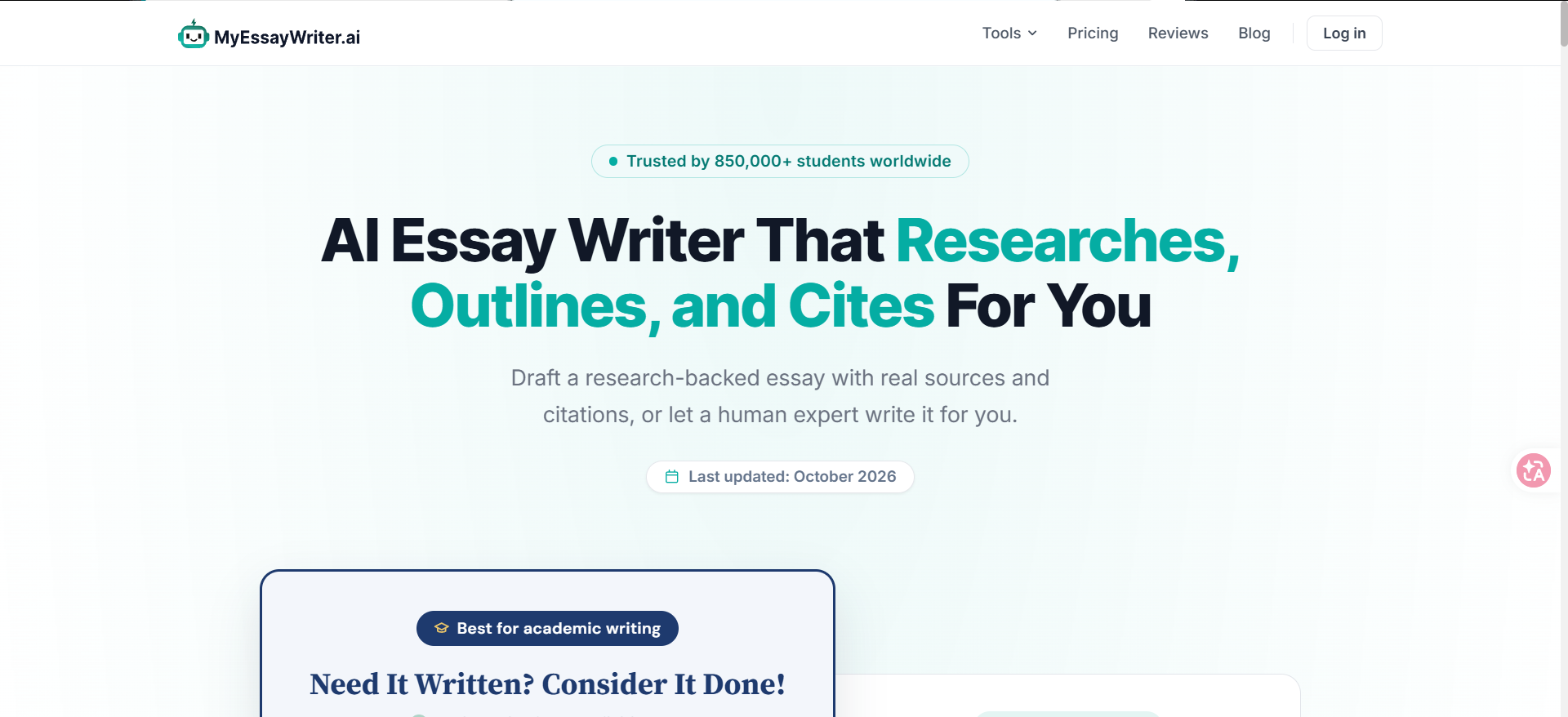
Enter a rubric, academic level, essay type, length, and citation style, then find sources, draft, polish, and download a Word file. These controls suit students whose first draft needs to reflect assignment requirements, not just a broad topic.
Word export supports document editing. Its human-written service is separate from the AI tool; check sources and choose the service you intend.
Pros:
Accepts a rubric and assignment settings.
Supports source discovery, citation styling, and polishing.
Downloads the result as a Word document.
Cons:
AI drafting is separate from its human-writing service.
Verify citations and suggested sources yourself.
Price:
Free: 1,500 words/month.
Paid: $9.99–$24.99/month, or $8.33–$20.82/month effective with annual billing.
Paraphraser.io Essay Writer: Quick prompt-to-draft
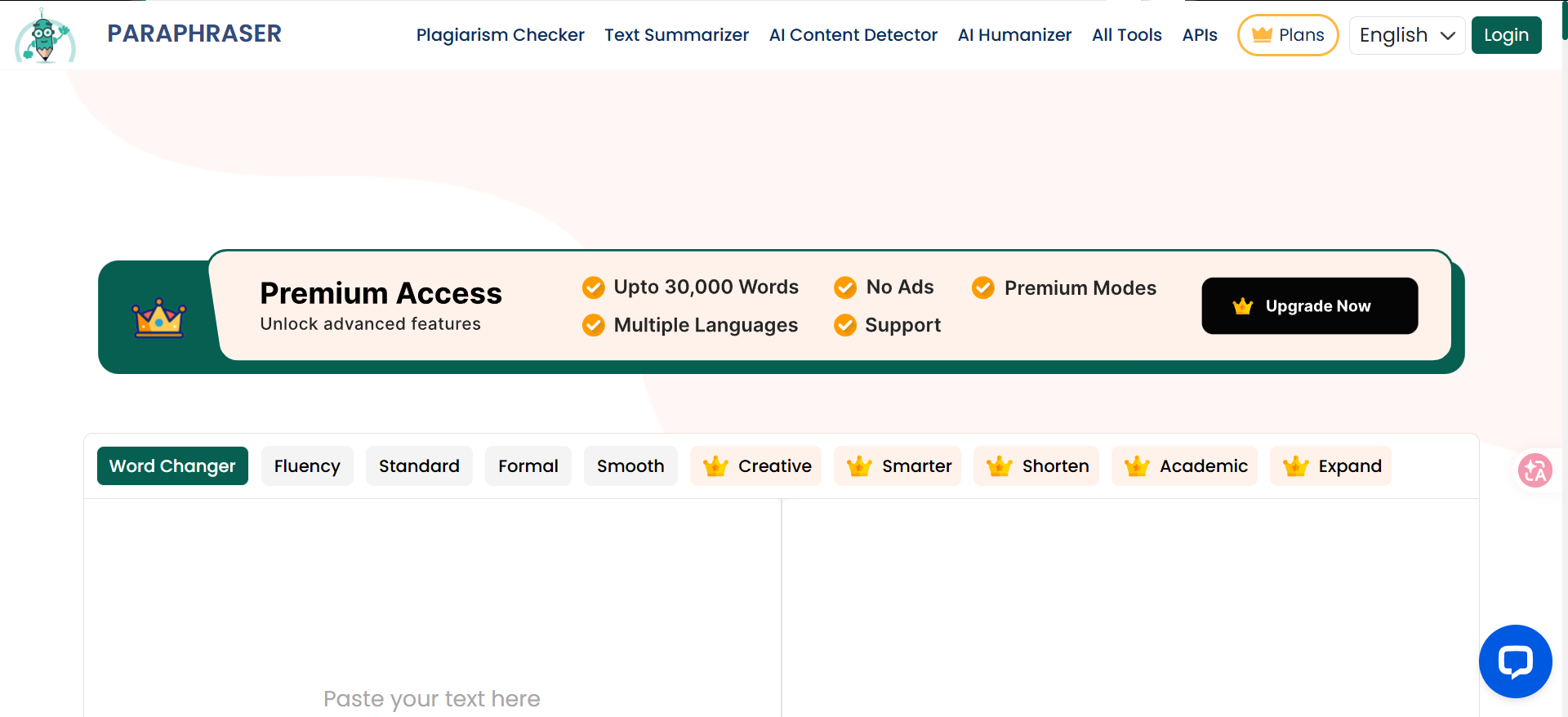
Paraphraser.io asks for a topic, length, and type, then offers copy/download actions and adjacent grammar and plagiarism tools. It is suited to a quick starting draft when you have the assignment direction already and do not need a research-planning workspace.
Free essay use and wider quotas are not clearly reconciled. Treat adjacent checks separately and review plan terms before a full assignment.
Pros:
Simple topic, length, and essay-type controls.
Copy and download actions follow generation.
Grammar and plagiarism tools are available nearby.
Cons:
The free essay claim and paid word quotas are not fully reconciled.
No source-search workflow is described for citation support.
Price:
Essay tool: presented as free without registration.
Gold: $9.55/month for 30,000 words on the broader plan.
PerfectEssayWriter.ai: Essay settings and free quotas
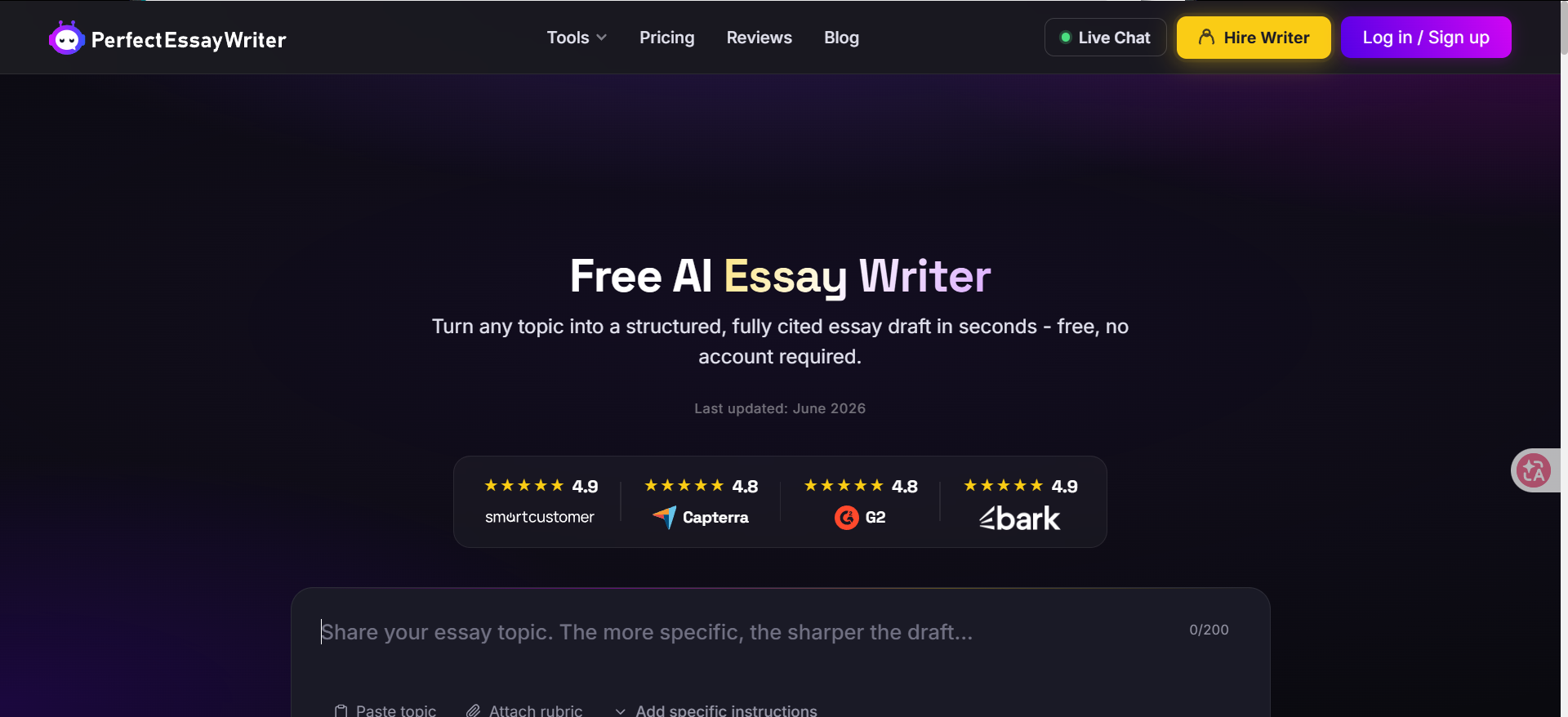
PerfectEssayWriter.ai exposes prompt/rubric, level, type, page count, and citation style, with an optional outline. That makes it easier to specify the assignment shape before drafting than a bare topic field.
The free tier lets students try writing and checks, but no Word/PDF export may interrupt document work. Keep the rubric beside the draft; settings cannot confirm it meets instructor expectations.
Pros:
Sets rubric, level, type, page count, and citation style.
Offers an optional outline before drafting.
Includes monthly writing and checking allowances.
Cons:
Free plan has monthly caps and no Word/PDF export.
The free allowance and export limits may interrupt longer assignments.
Price:
Free: 5,000 words/month, five grader reports, three AI detections.
Monthly: $11.99 Standard, $22.99 Pro, $29.99 Premium.
IvyPanda AI Essay Generator: Short-brief drafting
IvyPanda lets you enter up to 300 words of requirements, choose a genre and academic level, and set two to six paragraphs. That fits short, clearly scoped drafts better than research-heavy assignments.
The short form is simple, but source search and citations are not described. Supply evidence, check facts, and reshape the draft around your argument.
Pros:
Requirements field accepts a brief of up to 300 words.
Offers genre, academic level, and paragraph-count controls.
Free generator for a short first draft.
Cons:
No source-search or citation workflow is built into the generator.
Review facts and supply your own evidence.
Price:
Free generator.
Yomu AI: Document-centered writing
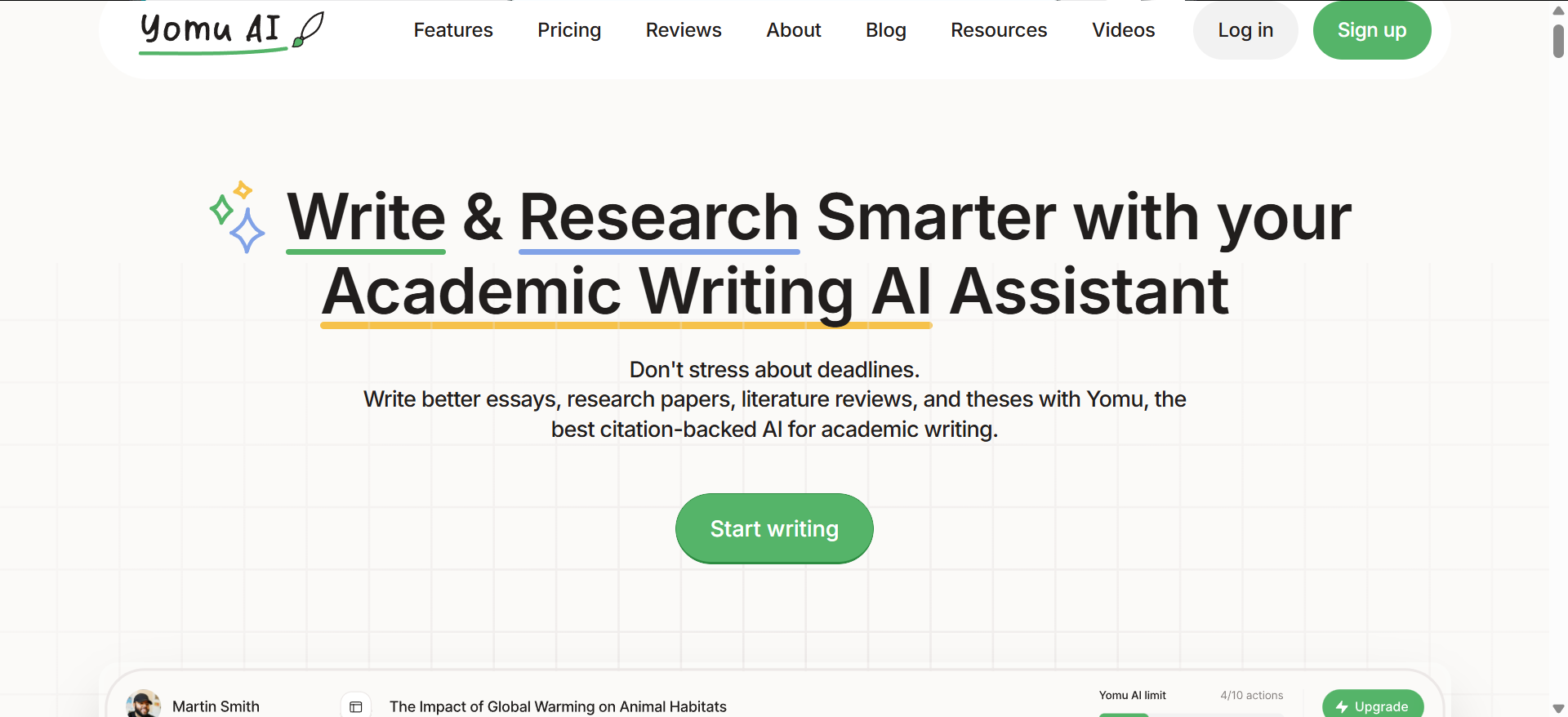
Yomu centers on a document editor with autocomplete and commands to paraphrase, expand, shorten, summarize, or turn bullets into prose. It suits students revising an existing draft in stages rather than starting with one topic prompt.
Its source library and chat with PDFs, images, and web search suit research-heavy work. Citation formatting covers 700+ styles; verify each reference yourself.
Pros:
Edits a document with commands to expand, shorten, or summarize.
Combines autocomplete with a source library and citation tools.
Chats with PDFs, images, and web sources.
Cons:
Pro includes 1,000 AI actions per month; heavy use may require Ultra.
Check citations against their original sources.
Price:
Pro: $10/month billed annually ($120/year; 1,000 AI actions/month).
Ultra: $17/month billed annually ($204/year; unlimited AI actions).
EssayFlow: Drafting with a detector score
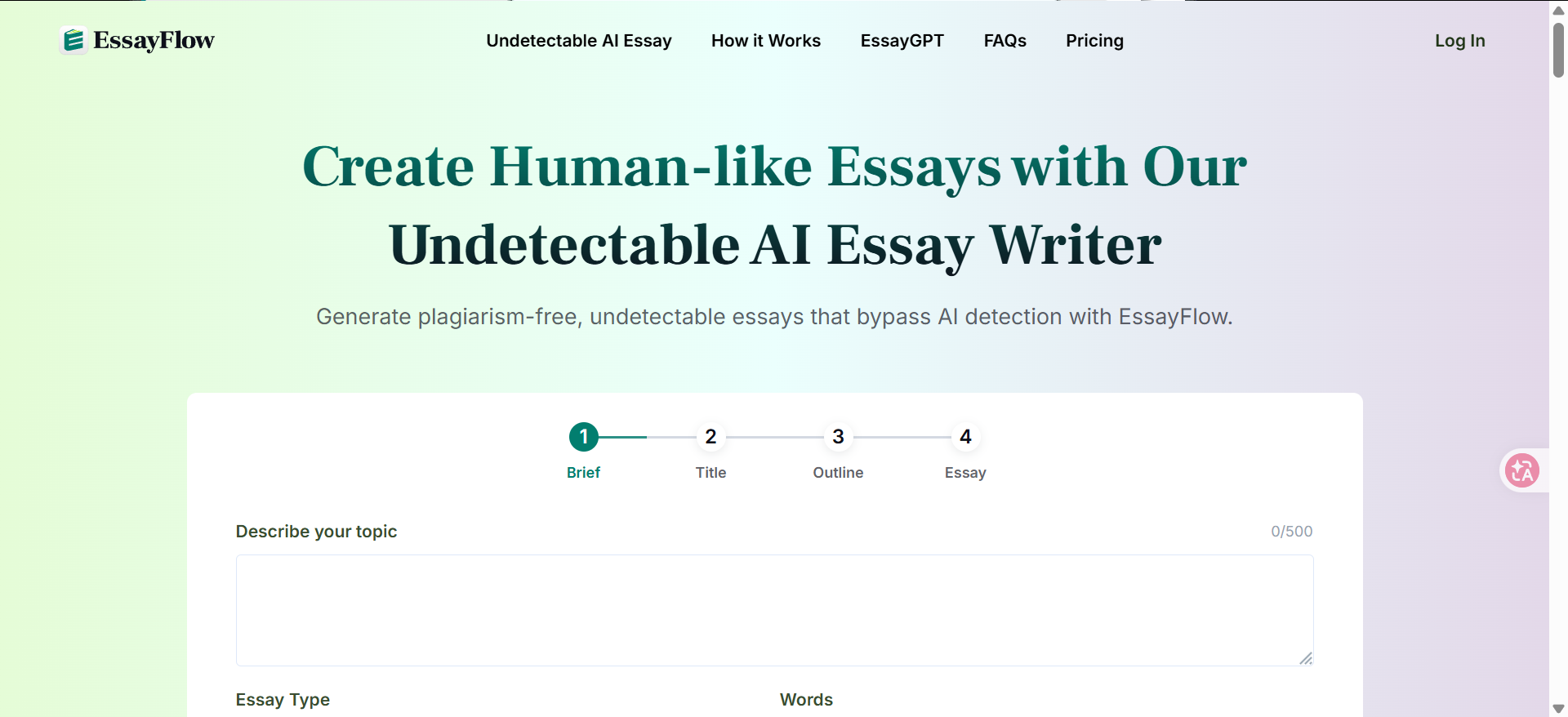
Set a topic, essay type, language, and length in EssayFlow, then choose one-step or stepwise drafting and review its detector score. This may suit students who want a draft and review signal together, but the score cannot check the argument, sources, or course policy.
Treat the advertised detector score as a prompt to review, not proof of authorship. Bypass and plagiarism claims are not a reason to evade course rules.
Pros:
Sets topic, essay type, language, and length.
Offers both one-step and stepwise drafting.
Displays a detector score after generation.
Cons:
A detector score cannot assess argument quality or source support.
Monthly price changes with the billing selection.
Price:
Limited free use is available; check the remaining quota before a full assignment.
Basic appeared at $17.98–$27.98/month, depending on billing selection.
If you are still shaping the argument behind a draft, Verla’s step-by-step argumentative essay guide can help organize a thesis, evidence, and counterargument.
Use AI Drafts Within Your Course Rules
Keep your argument your own and follow course policy:
Follow course rules and disclose AI use when required.
Verify quotations, facts, and citations against sources.
Keep your analysis; treat detector scores as review signals, not authorship proof. Verla’s AI humanizer and detector guide explains their limits.
Conclusion
Match the tool to the assignment: a direct generator may suit a clearly defined first draft, while rubric-based or source-heavy work calls for a workflow that supports those materials. Check each tool’s limits and export options, verify its citations, and revise the argument under your course’s AI rules. If Verla’s workflow fits, review its documented features and terms before choosing.