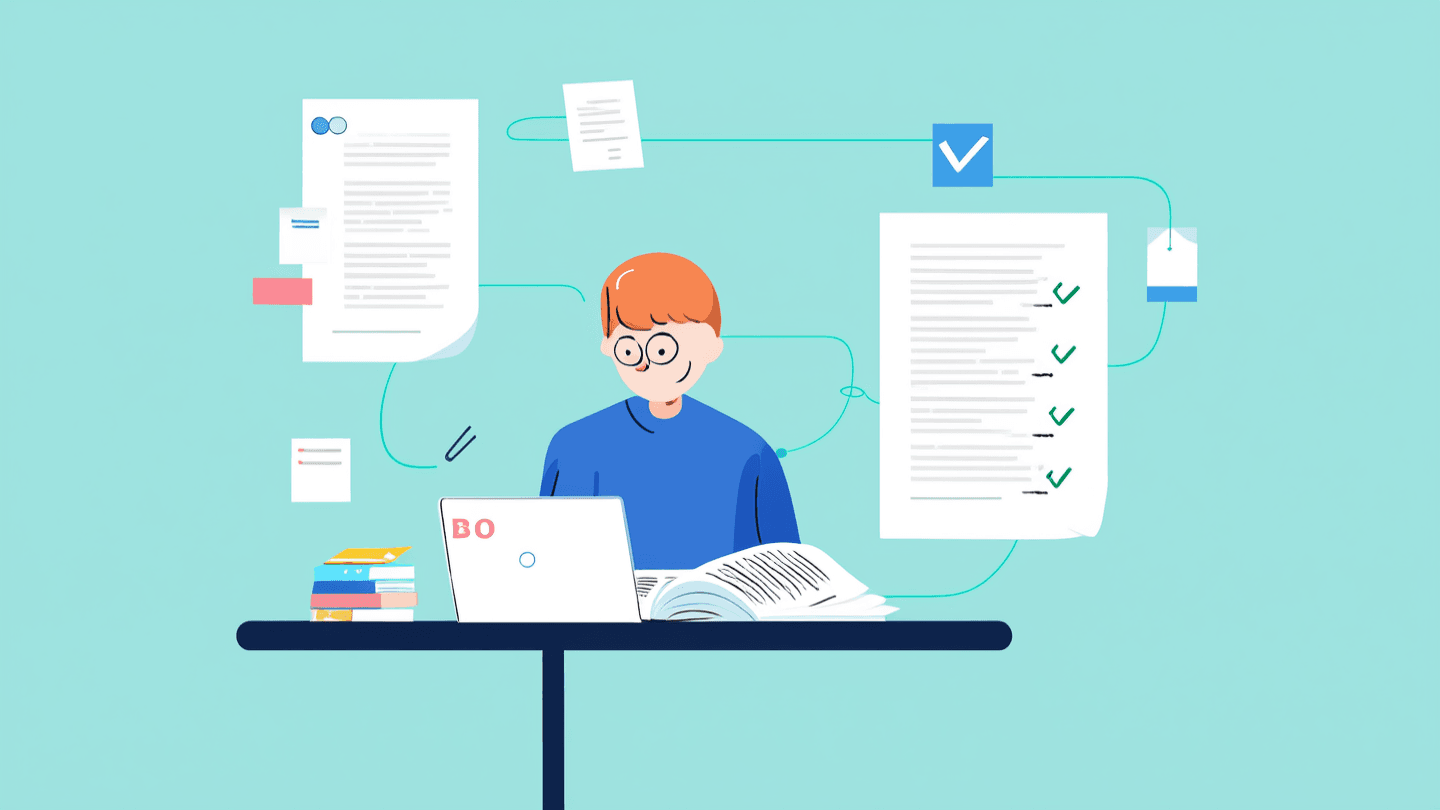
A research paper assignment can stall at several points: finding credible studies, understanding technical passages, organizing evidence, drafting with references, or checking the final submission. The useful AI tool is the one built for your current bottleneck, not simply the one that produces the most text.
This guide compares eight options by workflow and source traceability. Use it to choose a starting point, then open every cited source, follow your course's AI policy, and make the analysis and argument your own.
How to Choose an AI Tool for a Research Paper
Start by naming the unfinished task. Choose discovery software when you lack an evidence base, a comprehension tool when dense papers block accurate notes, or a drafting workspace only after you have usable sources. Practical research paper study workflows should keep the assignment requirements and evidence visible as you move between steps.
Before committing, check three things:
Traceability: Can you open the paper behind a claim, see a page reference, or keep the source in a library?
Citation handling: Can the tool export or insert the style your course requires without hiding the underlying source?
Access: Is the entry point a continuing free plan, a limited free account, or a card-required trial? Each covers a different amount of work.
Eight Tools at a Glance
This table compares stages, evidence handling, and workflow boundaries—not price or a universal winner; Verla's current plans and usage limits stay outside this comparison.
Tool | Best-fit research-paper stage | How evidence stays traceable | Main workflow boundary |
|---|---|---|---|
Verla | Assignment-to-review | Traceable references | Not a mapping or review specialist |
ResearchPal | Discovery-to-draft | Linked synthesis and page references | Free credits are limited |
Paperguide | Synthesis and systematic review | Linked claims and sourced tables | Advanced tasks share credits |
Paperpal | Writing and submission checks | Uploaded sources and reference checks | Features vary by plan |
ScholarAI | Search-to-cited draft | Synced libraries and inserted citations | Credit use varies by task |
ResearchRabbit | Citation mapping | Visible paper and author links | No complete cited draft |
Explainpaper | Close reading | Uploaded-paper grounding | Advanced reading requires Pro |
Semantic Scholar | Scholarly discovery | Indexed paper records | Selected-paper reading; no drafting |
The Best AI Research Paper Tools, Reviewed by Student Task
Each review covers best fit, workflow, documented strengths and limits, and concise access.
1. Verla: Best for Turning Assignment Requirements into a Reviewed Draft

Verla fits after you have a brief, rubric, notes, PDFs, datasets, examples, or references. Upload that context, generate a structured assignment, and review linked evidence in the editor. It supports APA, MLA, Chicago, IEEE, Harvard, and Vancouver.
Assignment generation, passage-level AI detection, humanizing, editing, and export share one college academic workflow. Choose it for rubric-aware drafting and final revision, not visual field mapping or systematic-review screening. Monthly allowances reset rather than roll over after each billing period.
Pros:
Uses course materials.
Provides traceable references.
Combines drafting, detection, and revision.
Cons:
Allowances depend on the selected plan.
Requires source material and course requirements before drafting.
Price:
The card-required seven-day Pro trial is $2.99 and renews unless cancelled; extra packs last two months.
Basic is $19.99/month.
Plus is $39.99/month.
Pro is $79.99/month.
2. ResearchPal: Best Integrated Research Agent for Literature Review Work
ResearchPal keeps literature-review work in one agent workspace. Start with a question or PDF, search PubMed, OpenAlex, and Semantic Scholar, shortlist papers, and generate cited synthesis. PDF chat connects answers to sources and page numbers; comparison tools extract study details.
Continue into research plans, abstracts, or prose, with APA, Harvard, MLA, Chicago, or BibTeX citations. Verify each citation carefully. Reserve limited free usage for high-value research steps. See research and academic writing guides for the drafting and citation checks that follow.
Pros:
Connects discovery through writing.
Gives page-referenced PDF answers.
Supports several citation formats.
Cons:
It is not a visual citation-mapping specialist.
Broad source-grounding statements remain product claims that require verification.
Price:
Starter is $0 with 15 monthly credits.
Standard is $8.25 monthly, billed $99 yearly.
Pro is $29.99 monthly, billed $359 yearly.
3. Paperguide: Best for Auditable Evidence Synthesis and Systematic Reviews
Paperguide gives students a visible evidence trail. Natural-language search spans more than 200 million papers and links claims to sources. Import from Zotero, Mendeley, or DOI, then annotate, compare, and extract studies into cited tables before drafting.
Protocols, screening records, dual review, conflict resolution, and PRISMA outputs make it this shortlist's most process-auditable option. AI prepares evidence, but humans make final screening decisions.
Pros:
Links claims to sources.
Unifies libraries and extraction.
Records PRISMA review decisions.
Cons:
Complex reviews still require human screening.
Systematic review still requires human screening and conflict resolution.
Price:
Free includes 2,000 AI credits and 4,000 plagiarism-check words monthly.
Annual rates display $12, $29, or $89 per seat monthly across paid tiers.
4. Paperpal: Best for Source-Aware Drafting and Submission Checks

Paperpal supports source-aware writing and submission preparation. Upload references and PDFs, collect cited findings, then draft from an outline, guide, or reviewer notes. It supports more than 10,000 citation styles across web, Word, Google Docs, Chrome, and Overleaf.
Checks cover language, citations, similarity, AI patterns, reference problems, and journal readiness. Some target publication more than coursework and vary by plan. Confirm availability first.
Pros:
Carries sources into drafting.
Combines citation, similarity, and readiness checks.
Works in common editors.
Cons:
Some workflows target journal publication more than coursework.
Checks and integrations can vary by subscription.
Price:
A free version and paid subscriptions are available, with local-currency billing.
Individual paid amounts require checking the live plan; institutions request pricing and a trial.
5. ScholarAI: Best for Searching Papers and Drafting with Automatic Citations

ScholarAI connects peer-reviewed search with reference collections. Search papers or synchronize Zotero and Mendeley, preserve source types, and chat with uploaded research. Collection controls can limit generation to sources selected for an argument.
Drafting happens in Jenni, with source-based writing and citations across more than 2,600 styles. It bridges discovery and prose but is not a standalone ScholarAI editor. Credit use varies.
Pros:
Joins paper search with library imports.
Controls generation by source.
Inserts many citation styles.
Cons:
Drafting moves into Jenni rather than a standalone editor.
Its two-product workflow adds a handoff between search and drafting.
Price:
Free entry includes five one-time credits; Jenni also offers a free plan.
Paid credit and unlimited tiers exist; check the live pricing path for the current amount.
6. ResearchRabbit: Best for Visual Citation Chaining and Field Mapping

ResearchRabbit is an upstream discovery specialist. Start with a seed paper or library, then explore citation, reference, author, and topic connections. Recommendations adapt to selections, while collections preserve an evidence map for your literature review.
Its network reveals relationships across more than 310 million papers. It is not an end-to-end drafting workspace, so plan a handoff. Free searches accept up to 50 seed articles.
Pros:
Visualizes citation relationships.
Adapts recommendations.
Offers unlimited free searches, libraries, and collections.
Cons:
Does not produce a complete cited draft.
Large-scale reviews need more seed capacity and advanced controls.
Price:
Free is $0 forever.
RR+ defaults to $10 monthly with annual billing or $12.50 month to month, with country-based variation.
7. Explainpaper: Best for Understanding Dense Passages in Papers You Already Found

Explainpaper addresses comprehension after you find a paper. Upload it, highlight a difficult passage, and request a simpler explanation grounded in the full text. Adjustable complexity and more than 50 languages help turn technical material into notes.
Chat, summaries, outlines, findings, and concept links locate arguments. This is not discovery, reference management, or drafting. Transfer verified notes into your course writing workflow very carefully.
Pros:
Explains text in context.
Supports adjustable levels and languages.
Surfaces structure and findings.
Cons:
It does not manage the whole research-to-draft process.
Whole-paper tools sit outside its core highlight workflow.
Price:
Free is $0 monthly with unlimited highlight explanations and basic models.
Pro is $16 monthly and has a seven-day card-required trial.
8. Semantic Scholar: Best Free Scholarly Search Baseline

Semantic Scholar is a free discovery baseline. Its cross-disciplinary index showed more than 238 million papers, searchable by topic, author, or paper. It also offers an API for scholarly applications and free accounts.
Semantic Reader adds context for supported papers but not the whole index. The product centers on discovery and reading, not assignment generation, citation formatting, or complete drafting. Move verified papers into a later-stage tool.
Pros:
Searches a large index.
Offers free discovery and an API.
Adds contextual reading for supported papers.
Cons:
Semantic Reader covers selected papers only.
The workflow stops before complete drafting and submission review.
Price:
Semantic Scholar is a free AI-powered research tool with free account creation.
Build a Research Workflow You Can Verify
Choose the tool that clears the current bottleneck: discovery, comprehension, evidence organization, drafting, or review. Keep the source trail intact, confirm every citation, and revise the argument before submission. A specialist is often the right first step when your literature base or understanding is incomplete.
When your sources and assignment requirements are ready, the Verla assignment workflow can carry them into an editable draft and AI-pattern review. Treat that output as material to evaluate and improve, not as permission to skip academic judgment.